
What size should a Toast logo and banner be?
Toast requires a logo of at least 230 x 230 pixels, up to 5 MB, and a banner of at least 1400 x 788 pixels, up to 9 MB. Toast crops the banner to a 16:9 card view and a 4:1 banner view. The banner article accepts .jpg, .jpeg and .png. A 1400 x 800 banner also clears DoorDash's header minimum.

Su Lee · Founder, MenuPhotoLab
7 min read · Sources last read · 5 sources
On this page · 7 sections
Read in another language
What size should a Toast logo and banner be?
Logo at least 230 x 230 pixels, banner at least 1400 x 788. Those minimums are consistent everywhere Toast states them. The file size caps have not been, and one of them still is not.
These are your brand images, not your dish photos. If you are looking for the size of the picture attached to a menu item, that is a different asset with different rules, covered in the Toast menu photo guide.
 Specs below are Toast's own, read from Toast's help center
| Image | Minimum resolution | Maximum file size | Stated on |
|---|---|---|---|
| Logo | 230 x 230 px | 5 MB | Customization page, Toast Local app page |
| Banner | 1400 x 788 px | 9 MB (5 MB on the Spanish customization page) | All three pages, see below |
| eGift card image | 640 x 400 px | 5 MB or 9 MB, Toast disagrees | Customization page says 5 MB, banner page says 9 MB |
How does Toast crop the banner image?
Twice, and Toast now says so. The 2026-09-28 update to the customization page added this:
Your banner displays at two different ratios depending on where it appears, a 16:9 card view and a wider 4:1 banner view, so choose an image that will still look good cropped either way.
After you upload, Toast has you crop the image for both the Card view (16:9) and the Banner view (4:1) before you save. The 1400 x 788 minimum is itself almost exactly 16:9, so the card view can use the whole image. The 4:1 banner view at that width is a strip 1400 x 350, less than half the height. Whatever must survive both crops belongs in the middle band of the frame.
Where does the Toast banner image actually appear?
In more places than most operators expect, which is the real argument for treating it as a considered photograph rather than whatever was to hand. Toast states that the banner image on the Restaurant Info page, under Takeout and Delivery, "appears in the Toast Local app, Online Ordering, loyalty sign-up, email sign-up, and email campaigns".
The logo travels too. Toast says it appears as your thumbnail when a guest browses nearby restaurants in the Toast Local app, and "on the top of the Toast App, online ordering, and loyalty sign-up".
So one banner and one logo carry your storefront across a browse list, an ordering page, two sign-up forms and your email campaigns. That is a wider surface than any single dish photo on the menu.
What makes a good Toast banner photo?
Toast publishes its own guidance for this image, and it is more specific than most platforms bother to be. Its recommendations:
High resolution photography, without filters
Toast adds "Do not use filters or tinted images", and suggests a camera other than a smartphone if you have one. The same rule the delivery marketplaces apply to item photos, applied here to the banner.
Show a single featured food item
Not a collage, not the dining room, not a menu board.
No alcohol
Toast lists this explicitly.
No servers and no diners
People in the frame are out, which is stricter than DoorDash and Uber Eats are about item photos, where hands are allowed under conditions.
That last pair is worth noticing if you have a photographer booked. A warm shot of staff at the pass is a good marketing image and a bad Toast banner, by Toast's own guidance. Brief for a single dish instead.
Can one logo and banner work for both Toast and DoorDash?
Yes, and this is the rare case in this library where one file genuinely serves two platforms. Most of these pages end in the opposite conclusion.
| Toast | DoorDash | One file that clears both | |
|---|---|---|---|
| Logo minimum | 230 x 230 px | 230 x 230 px, square 1:1 | 230 x 230, square |
| Logo file size | Max 5 MB | Under 2 MB | Keep it under 2 MB |
| Banner minimum | 1400 x 788 px | 1400 x 800 px | 1400 x 800 |
| Banner file size | Max 9 MB | Under 2 MB | Keep it under 2 MB |
| Banner crops | 16:9 card, 4:1 banner | 4:1 on web, 16:9 in the app | Dish in the middle band |
The logo minimum is identical on both platforms: 230 x 230. The banner minimums differ by twelve pixels of height at the same width, so exporting to DoorDash's 1400 x 800 satisfies Toast's 1400 x 788 automatically. Export both under 2 MB, because DoorDash is the stricter cap and Toast never objects to a smaller file.
One caveat on the banner. DoorDash states its header renders at 4:1 on web and 16:9 in the app, and Toast now describes the same two shapes for its own banner. So the image is cropped twice on each platform. 1400 x 800 is 1.75:1, which is neither. Keep anything you cannot lose out of the top and bottom of the frame, and out of the far left and right.
Does Toast review or approve brand images?
Toast publishes no review or approval step for these images, and none appears in the documented upload flow. That is a statement about Toast's documentation, not a guarantee about your account.
You upload the logo and banner yourself in Toast Web's restaurant information section, and, as with menu item photos, the change has to be saved and then published before guests see it. Nothing indicates Toast selects or vets the image for you.
The practical consequence is the same as everywhere else on Toast: no gatekeeper means no safety net. A blurry banner will go live and stay live until someone notices.
Frequently asked questions
What size should a Toast logo be?
A minimum resolution of 230 x 230 pixels, with a maximum file size of 5 MB. That figure is consistent on both the online ordering customization page and the Toast Local app page, read 2026-10-02. DoorDash publishes the same 230 x 230 minimum but caps files under 2 MB, so a square logo under 2 MB satisfies both platforms.
What size should a Toast banner image be?
A minimum resolution of 1400 x 788 pixels and a maximum file size of 9 MB, on all three English Toast pages read 2026-10-02. One of them said 5 MB until Toast updated it on 2026-09-28, and its Spanish version still does, so staying under 5 MB is the safe reading. Toast crops the banner to a 16:9 card view and a 4:1 banner view. The banner article accepts .jpg, .jpeg and .png.
Where does the Toast banner image appear?
Toast states the banner image on the Restaurant Info page, under Takeout and Delivery, "appears in the Toast Local app, Online Ordering, loyalty sign-up, email sign-up, and email campaigns". The logo appears as your thumbnail when guests browse nearby restaurants, and at the top of the Toast app, online ordering and loyalty sign-up.
What image format does Toast accept for the banner?
The article explaining where the banner appears lists .jpg, .jpeg and .png, read 2026-10-02. The customization page states minimum resolutions and file size caps but no formats at all, so those three are the only formats Toast states for this image. For menu item photos, a separate set of Toast pages disagree between JPG or PNG and PNG only.
Can I use the same logo on Toast and DoorDash?
Yes. Both platforms publish the same 230 x 230 pixel minimum for a logo, and DoorDash recommends a square 1:1 ratio. The only difference is the file size cap: DoorDash requires under 2 MB while Toast allows up to 5 MB. Export a square logo under 2 MB and it satisfies both.
Can I put my staff or a drink in the Toast banner?
Toast's own guidance says no. It recommends high resolution photography without filters showing a single featured food item, and excluding alcohol, servers and diners. That is stricter than DoorDash and Uber Eats are about item photos, where hands are permitted under conditions. Brief a single dish rather than a scene with people in it.
Does Toast approve my logo or banner before it goes live?
Toast publishes no review or approval step for brand images, and none appears in its documented upload flow. You upload them yourself in Toast Web, then save and publish. Toast is a point of sale system with its own online ordering rather than a delivery marketplace, so there is no third-party moderation queue of the kind DoorDash, Uber Eats and Grubhub run.
Real client work
A real restaurant's takeout photo, now live on DoorDash
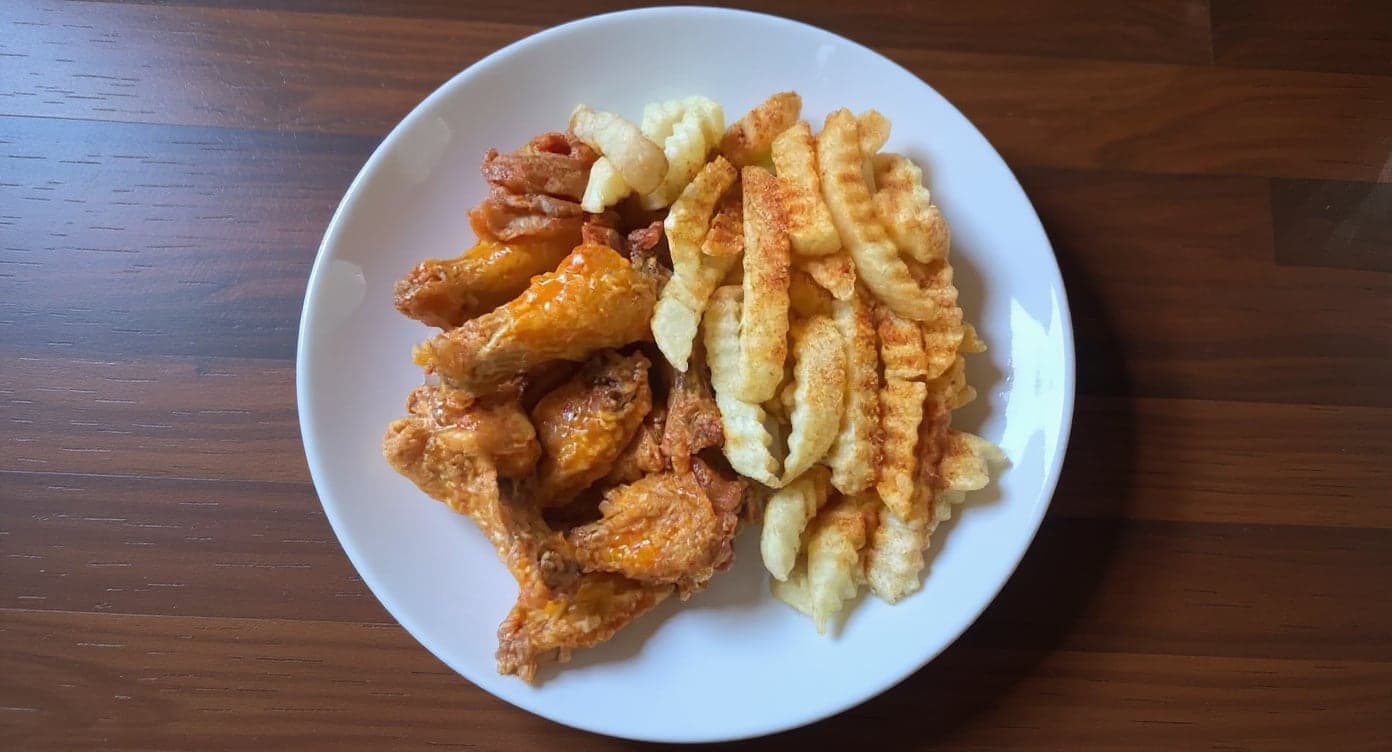
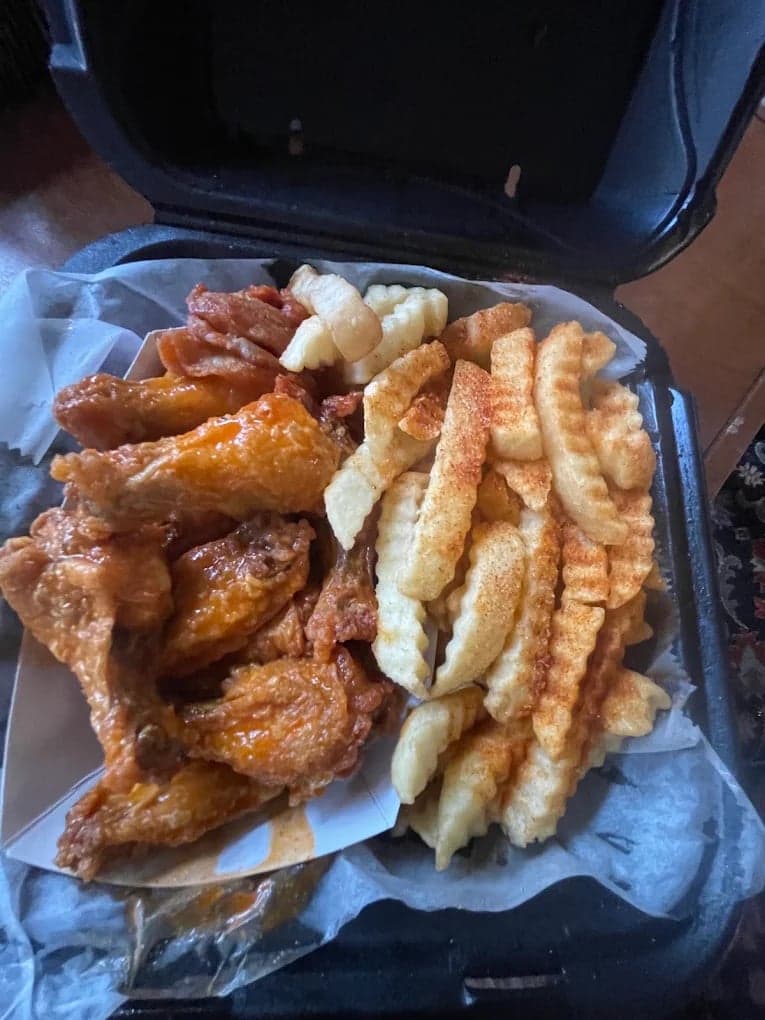
The perfect poster for our brand. Thank you for such a beautiful piece for our social media.
5 photos free · No credit card · No watermark
Keep reading

Su Lee
Founder, MenuPhotoLab · Atlanta, Georgia
I have photographed Atlanta restaurants for six years as a food creator, and for the last two my sister and I have run SocialLee Agency, shooting and uploading menus for independent restaurants around metro Atlanta.
Sources (5, each with the date it was read)
- Toast: Customize Online Ordering General Information (last updated 2026-09-28; banner cap now 9 MB, card and banner crops), read
- Toast, Spanish version of the same page: Personalizar información general sobre pedidos digitales (banner cap still 5 MB), read
- Toast: Where is the banner image on the Restaurant info page used? (banner and gift card image 9 MB, file types), read
- Toast: Change Your Restaurant's Image on the Toast Local App (logo, banner, photo tips), read
- DoorDash: Common photo issues explained (logo and header specs), read
Platform requirements change. This page carries the date each source was last checked. Self-serve prices are on the pricing page.
Not affiliated with Toast, DoorDash.