
What are Square's menu photo requirements?
Square recommends item photos of at least 2000 x 2000 pixels at 1:1, up to 15 MB, in JPG, JPEG, PNG or GIF. Square resizes each image automatically for every surface it appears on. Upload one square file per item: Square will not let you use different images for the same item on your POS and Square Online.

Su Lee · Founder, MenuPhotoLab
8 min read · Sources last read · 5 sources
On this page · 8 sections
- What size should a Square menu photo be?
- Does Square resize my photos automatically?
- Can I use different photos on my POS and Square Online?
- Why should Square photos be square?
- Why are my Square images swapping places or not loading?
- Does Square review or reject menu photos?
- What this means if you sell on Square and the delivery apps
- Frequently asked questions
Read in another language
Will your photo pass DoorDash, Uber Eats and Grubhub?
Check its size, shape and file type against DoorDash, Uber Eats and Grubhub’s published rules in a few seconds. The photo stays on your device and nothing is uploaded.
Drop a photo here, or choose one from your phone or computer.
What size should a Square menu photo be?
At least 2000 x 2000 pixels, square. That is Square's own recommendation for item images, and because Square resizes them for you, one large square file covers every place the item appears.
The confusion comes from Square publishing image rules in three different places for three different things. Here is which is which.
| Square surface | Size | Format | File size |
|---|---|---|---|
| Item images, Item Library | "at least 2000 x 2000 pixels with a 1:1 aspect ratio" | "JPG, JPEG, PNG, GIF" | "Images can be up to 15MB" |
| Site section images, Square Online | "no more than 1,000 pixels on its longest side" | JPG, PNG, GIF | Not stated |
| Site background images | "at least 2,000 x 1,000 pixels" | JPG, PNG, GIF | Not stated |
| Menu images, Square for Franchises | 500 x 500 square, 955 x 500 rectangular | "JPG, JPEG, and PNG" | "Images can be up to 2MB" |
Does Square resize my photos automatically?
Yes, and this is the single biggest difference between Square and every delivery platform. Square states: "Square automatically resizes your item images so they have the perfect size and configuration no matter where they’re displayed."
It also states the reason for uploading large: "We recommend that you upload item photos that are greater than 2000 x 2000 to ensure clear, crisp imagery." Resizing down from a big square is lossless in practice. Resizing up from a small one is not possible, which is why the floor matters more than the ceiling.
Compare that with Toast, which does the opposite. Toast fills a container chosen by your menu template and crops whatever does not fit, so on Toast the framing of the shot decides what survives. On Square, the resolution of the file does.
Can I use different photos on my POS and Square Online?
No. Square states it plainly: "You cannot have different images for the same item across your point of sale app and Square Online."
Square also states that "Images uploaded to your item catalog will sync across your point of sale app and devices, and Square Online." One item, one image, everywhere.
That has a practical consequence worth planning around. The photo has to work as a small thumbnail on a POS screen and as a larger image on your ordering site at the same time. A busy plate shot that reads fine at full size can turn to mush at thumbnail size, and you do not get to swap in a tighter crop for the small surface.
Why should Square photos be square?
Because Square asks for a 1:1 aspect ratio on item images, and 1:1 is the tightest of the common shapes. A square crop keeps the least width of any ratio a restaurant normally shoots.
If a photo was framed for a delivery app, it is almost certainly not square. DoorDash wants 16:9. Uber Eats recommends a band between 5:4 and 6:4. Cropping a 16:9 file to a square throws away 43.75 percent of its width, which is where plates get clipped and garnish disappears off the edge.
The fix is in the shooting, not the exporting. Leave margin on all four sides and one original crops cleanly to a square for Square and to a wide frame for the delivery apps.
Why are my Square images swapping places or not loading?
Check your filenames before you check anything else. Square's article on adding images to your online store says: "Make sure each image file has its own unique file name prior to uploading it to the site editor. This will help avoid any unwanted behaviors, such as images swapping places or not loading at all."
That sentence is about images uploaded to the site editor, the same article whose 1000 pixel rule does not govern item photos, and Square's item image article does not repeat it. So for item photos it is a precaution rather than a published rule, and it costs nothing.
This is easy to hit without realizing. Phones and cameras hand out repeating names, and a folder of exports called image.jpg, image-1.jpg and image-1.jpg from two different sessions is a collision waiting to happen. Name files after the dish before you upload: margherita-pizza.jpg, not IMG_0042.jpg.
Does Square review or reject menu photos?
Square publishes no photo review or approval step, and none appears in the documented upload flow. That is a statement about Square's documentation, not a guarantee about your account.
The structure is the same as Toast. Square is a point of sale system with its own online ordering, not a delivery marketplace, so photos appear on your own storefront and your own POS without a third party moderating them. DoorDash, Uber Eats and Grubhub all run review queues that can reject an upload. Square does not document one.
So nothing stops a weak photo going live, and nothing stops you replacing it the moment you notice.
What this means if you sell on Square and the delivery apps
Square's 1:1 and DoorDash's 16:9 are not compatible shapes, and no export setting reconciles them. This is the same constraint that runs through every platform in this library: the shape is decided when the shutter opens, not when you export.
Shoot wide with the dish centered and margin on every side. One original then crops to a 2000 x 2000 square for Square, a 1400 x 800 landscape for DoorDash, and a 5:4 frame for Uber Eats, and the food is identical in all three.
| DoorDash | Uber Eats | Grubhub | |
|---|---|---|---|
| Item photo shape | 16:9 landscape | 5:4 to 6:4 landscape | 1:1 to 4:3, Grubhub's own docs disagree |
| Minimum size | 1400 x 800 px | 550 x 440 px | 200 x 200 px |
| File types | JPG or PNG | JPG, PNG, or GIF | PNG per the help center; PNG, JPEG or JPG per the developer docs |
| File size cap | 2 MB stated, 16 MB for item photos | 10 MB | Not stated |
| Source | Read 2026-08-26 | Read 2026-08-30 | Read 2026-08-27 |
Square is not in that table for the same reason Toast is not. The three platforms above run a moderation queue and can reject an upload, so their numbers are requirements you have to meet. Square's numbers are recommendations for your own storefront, and Square resizes whatever you give it.
Frequently asked questions
What size should a Square item photo be?
Square recommends item images of at least 2000 x 2000 pixels with a 1:1 aspect ratio, up to 15 MB, in JPG, JPEG, PNG or GIF, per its English item image article read on 2026-10-02. Its Spanish version of the same article says up to 20 MB and adds a 2560 x 2560 maximum, so a square between 2000 and 2560 pixels under 15 MB satisfies both. Square resizes the image automatically for each place it is displayed.
Does Square require square photos?
Square recommends a 1:1 aspect ratio for item images. A square crop keeps less width than any other common shape, so a photo framed for DoorDash at 16:9 loses 43.75 percent of its width when cropped square. Shoot with the dish centered and margin on all four sides so the same original crops to both.
Why does Square say images should be under 1000 pixels?
That rule is about a different kind of image. Square's article on adding pictures to your online store says non-background images should be "no more than 1,000 pixels on its longest side", and it covers pictures you place into sections of your site, not item catalog photos. Menu item photos follow the 2000 x 2000 recommendation and are resized by Square automatically.
Can I use a different photo for the same item on Square POS and Square Online?
No. Square states "You cannot have different images for the same item across your point of sale app and Square Online." Images uploaded to the item catalog sync across the POS app, devices and Square Online. One item gets one image, so it has to work as both a small POS thumbnail and a larger image on your ordering site.
What image size does Square for Franchises use?
Different numbers from the standard Item Library. Square for Franchises recommends 500 x 500 pixels for square main, secondary, cart and modifier images, 955 x 500 for rectangular images, and 200 x 200 for a category icon. It accepts JPG, JPEG and PNG up to 2 MB, which is a much smaller cap than the Item Library's 15 MB.
Why are my Square photos swapping places or failing to load?
Check for duplicate filenames first. Square's article on adding images to your online store says each image file should have its own unique file name before it is uploaded to the site editor, to avoid images swapping places or not loading at all. Square states that for site images, not item photos, but renaming each export after the dish it shows costs nothing and removes the one cause Square names.
Does Square approve photos before they go live?
Square publishes no review or approval step, and none appears in its documented upload flow. Square is a point of sale system with its own online ordering rather than a delivery marketplace, so photos go to your own storefront and POS without third-party moderation. DoorDash, Uber Eats and Grubhub all run review queues. Square does not document one.
Real client work
A real restaurant's takeout photo, now live on DoorDash
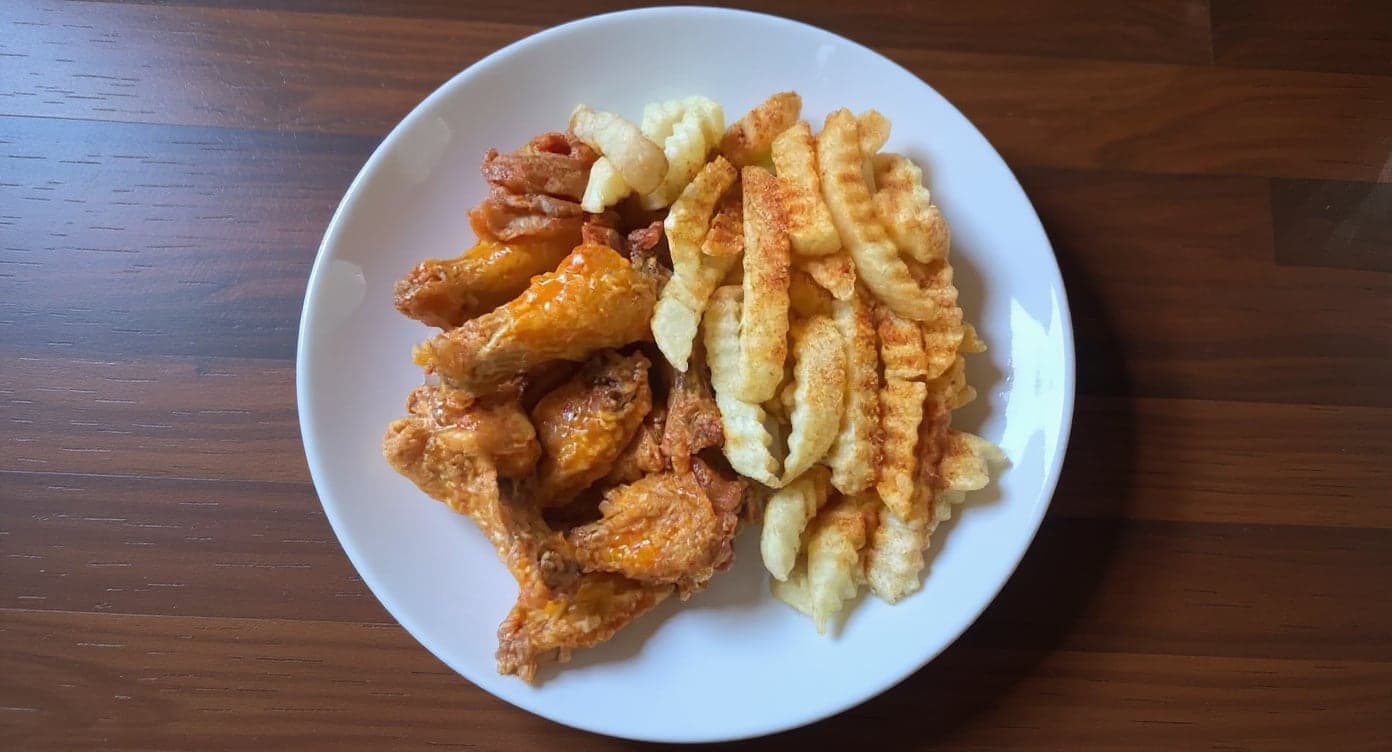
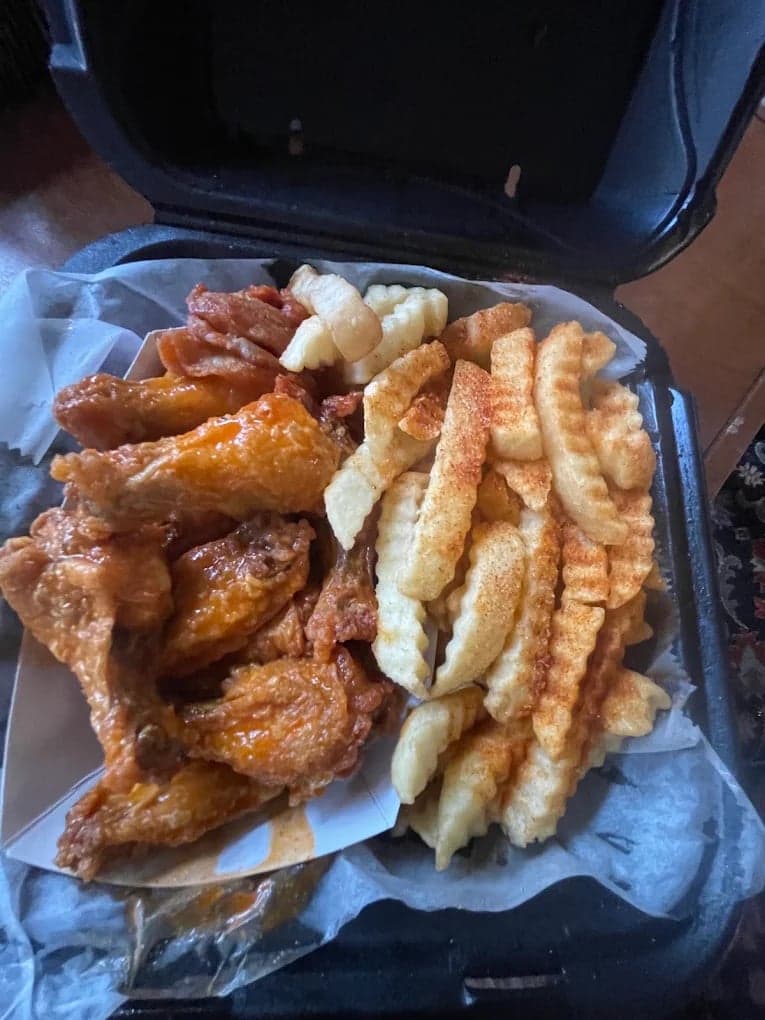
It genuinely looks like we hired a professional photographer. Thank you!
5 photos free · No credit card · No watermark
Keep reading

Su Lee
Founder, MenuPhotoLab · Atlanta, Georgia
I have photographed Atlanta restaurants for six years as a food creator, and for the last two my sister and I have run SocialLee Agency, shooting and uploading menus for independent restaurants around metro Atlanta.
Sources (5, each with the date it was read)
- Square: Upload and manage item images (article 8267; the old article 6894 URL redirects here), read
- Square, Spanish version of the item image article: Carga y administra imágenes de artículos (20 MB, 500 kB recommended, 2560 x 2560 maximum), read
- Square: Add images and backgrounds to your online store (1,000 pixel rule, unique file names, site editor images), read
- Square: Upload and manage menu images for Square for Franchises, read
- Square: Website customization features (item photo sizing and automatic resizing), read
Platform requirements change. This page carries the date each source was last checked. Self-serve prices are on the pricing page.
Not affiliated with Square, Toast, DoorDash, Uber Eats, Grubhub.