
What are DoorDash's menu photo requirements?
DoorDash item photos must be landscape 16:9, at least 1400 x 800 pixels, under 16 MB. Logos are 230 x 230 square, under 2 MB. Headers are 1400 x 800, shown at 4:1 on web and 16:9 in the app, under 2 MB. The same item photo is also displayed as a centered square thumbnail.
At a glance
- Shape
- 16:9 landscape
- Minimum size
- 1400 × 800 px
- Max file size
- 16 MB
- Formats
- JPG or PNG
From DoorDash's own page, read .

Su Lee · Founder, MenuPhotoLab
5 min read · Sources last read · 3 sources
On this page · 6 sections
Read in another language
Will your photo pass DoorDash?
Check its size, shape and file type against DoorDash’s published rules in a few seconds. The photo stays on your device and nothing is uploaded.
Drop a photo here, or choose one from your phone or computer.
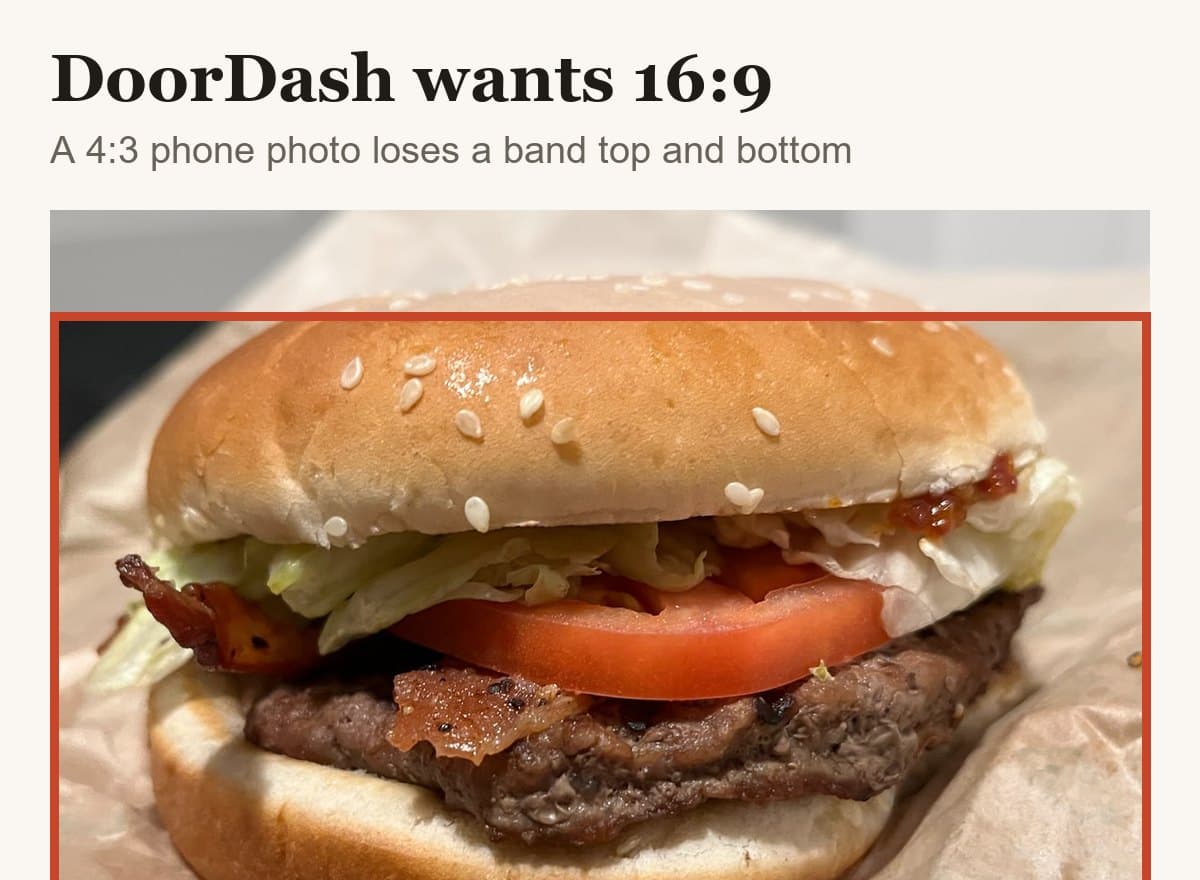
What size does a DoorDash photo need to be?
It depends which of the four photo types you are uploading, which is the part most guides leave out. DoorDash publishes a separate specification for each, and they do not share a ratio, a minimum size, or a file cap.
| Photo type | Minimum resolution | Aspect ratio | File size |
|---|---|---|---|
| Item photo | 1400 x 800 px | Landscape 16:9 only | Under 16 MB |
| Header photo | 1400 x 800 px | 4:1 on web, 16:9 in the app | Under 2 MB |
| Carousel photo | 1400 x 800 px | 4:1 on web, 16:9 in the app | Under 2 MB |
| Logo | 230 x 230 px | Square 1:1, recommended | Under 2 MB |
DoorDash also defines what each type is for, and uploading the right kind matters because using the wrong one is itself a rejection reason. An item photo shows a single menu item. A carousel photo is the scrollable set on your store page. A header photo sits at the top of your store page. A logo is your brand mark, not a food photo.
Why does 16:9 not tell you how to frame the shot?
Because DoorDash crops your photo a second time after you upload it. Their glossary states that menu photos appear as a centered square. A square cut from a 16:9 frame keeps the full height, which is nine sixteenths of the width, so 56.25 percent of your width survives into the menu list.
That collides with another of their published rules. DoorDash asks that the item fill 50 to 70 percent of the frame. A dish filling 70 percent satisfies that rule and still has its edges clipped in DoorDash's own thumbnail. Aim at the bottom of their range, not the top.
What will get a DoorDash photo rejected?
Eleven published reasons, covered item by item in the companion guide. The four that are specification rather than judgment, and so are worth checking before you upload anything:
Framing
Landscape 16:9 only. DoorDash states plainly that vertical and square photos are not accepted, and that you should shoot horizontally from the start rather than crop a vertical photo down, because cropping usually cuts off the item.
Zoom
At least 80 percent of the item must be visible. No extreme close-ups, no distant shots.
Overlays
No added text, graphics, borders or watermarks. DoorDash calls out letterboxing and white side bars from incorrect cropping specifically, so an image padded to reach 16:9 fails this rule rather than solving the framing one.
Copyright
Original images you own the rights to, uploaded through the Merchant Portal. No stock, no supplier photos.
Can DoorDash add photos to your menu without asking?
Yes, and this is the least-known rule on the platform. If a menu item has no photo, DoorDash may add one automatically. Their own page names two sources: a connected Instagram business account, if you linked one in the Merchant Portal, and Yelp.
Three things follow from that, and DoorDash states all three:
Your own uploads always win
DoorDash says it will never replace a photo you uploaded yourself, and that uploading your own image automatically replaces a DoorDash-added one.
You can opt out entirely
Contact Merchant Support if you do not want DoorDash adding photos to your menu at all.
Yelp photos have their own removal path
You can request removal of Yelp-sourced photos from Menu Manager using Request Menu Help, including the category, item name, price and applicable menu.
DoorDash-added photos go through the same moderation as yours and can be rejected too. The practical read: an empty item slot is not neutral. Something will eventually fill it, chosen by someone else, from a source you may not have looked at in years.
What if you also sell on Uber Eats or Grubhub?
Then 16:9 is the constraint that decides everything, because it is the least forgiving shape in the set. Uber Eats wants landscape between 5:4 and 6:4. Grubhub's developer documentation specifies 4:3. Neither will take a 16:9 file without cutting the sides off it.
Shooting 16:9 first is the trap: converting it to a square for another platform removes about 44 percent of the width. Shooting a taller frame and exporting a 16:9 crop from it costs nothing and keeps the other platforms possible. That is a decision made at the table when the dish arrives, not in an export dialog afterwards.
Frequently asked questions
What size do DoorDash menu photos need to be?
Item photos must be at least 1400 x 800 pixels in landscape 16:9, under 16 MB. Logos are 230 x 230 pixels square, under 2 MB. Headers and carousel photos are 1400 x 800 pixels, displayed at 4:1 on web and 16:9 in the app, under 2 MB. DoorDash's own page also states 2 MB for item photos in a different section.
Does DoorDash accept square or vertical photos?
No. DoorDash states that item photos must be landscape 16:9 only, and that vertical and square photos are not accepted. They also advise against cropping a vertical photo to 16:9, because it usually cuts off part of the item, and against padding an image with bars to reach the ratio, which fails their overlay rule instead.
What file formats does DoorDash accept?
JPG and PNG. The file must be an original photo you own the rights to, uploaded through the Merchant Portal. Stock photos, images copied from websites and third-party images are rejected under DoorDash's copyright rule, and watermarks have to be removed before uploading.
How much of the frame should the dish fill on DoorDash?
DoorDash asks for 50 to 70 percent of the frame, with at least 80 percent of the item visible. Aim at the lower end of that range. DoorDash also shows menu photos as a centered square, and a square cut from 16:9 keeps only 56.25 percent of the width, so a dish filling 70 percent gets clipped in the menu list.
Can DoorDash put photos on my menu that I did not upload?
Yes. If an item has no photo, DoorDash may add one from a connected Instagram business account or from Yelp. Your own uploads always replace them, you can opt out entirely by contacting Merchant Support, and Yelp-sourced photos can be removed from Menu Manager using Request Menu Help.
Real client work
A real restaurant's takeout photo, now live on DoorDash
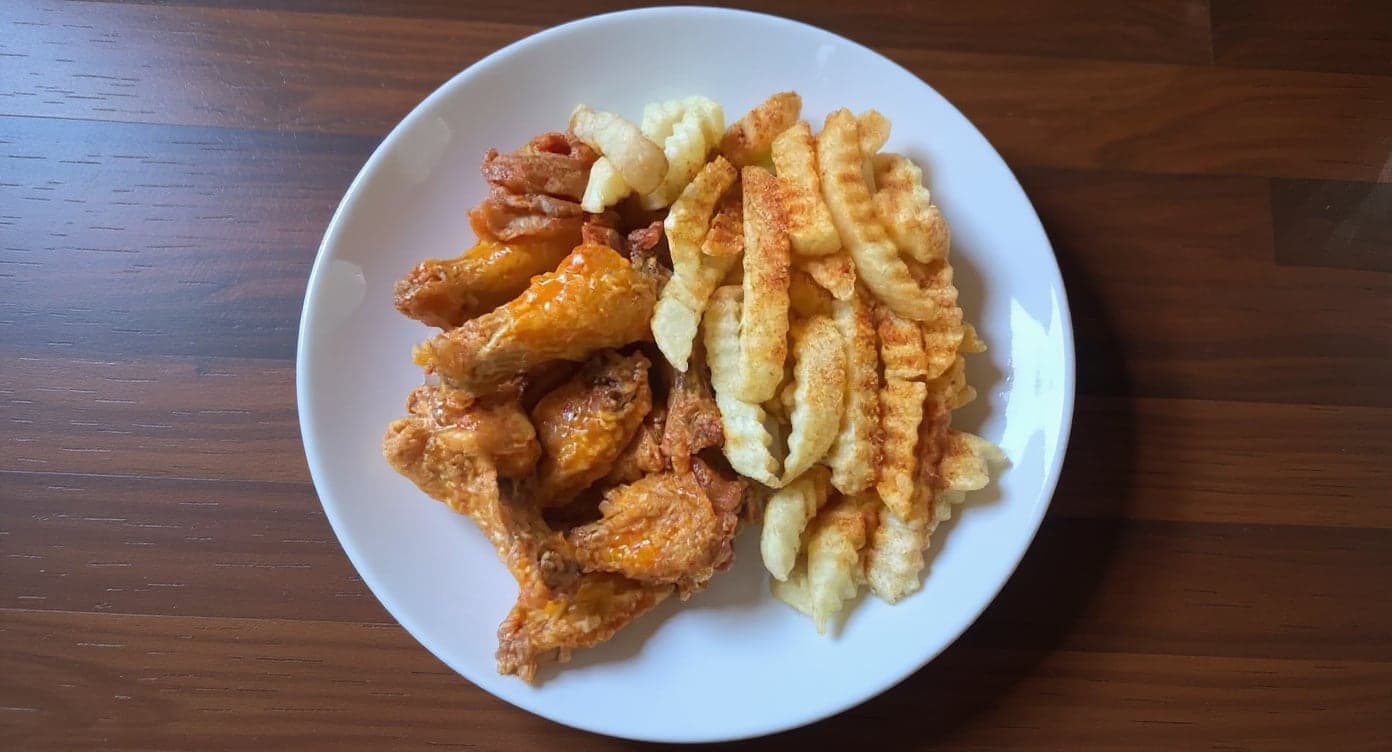
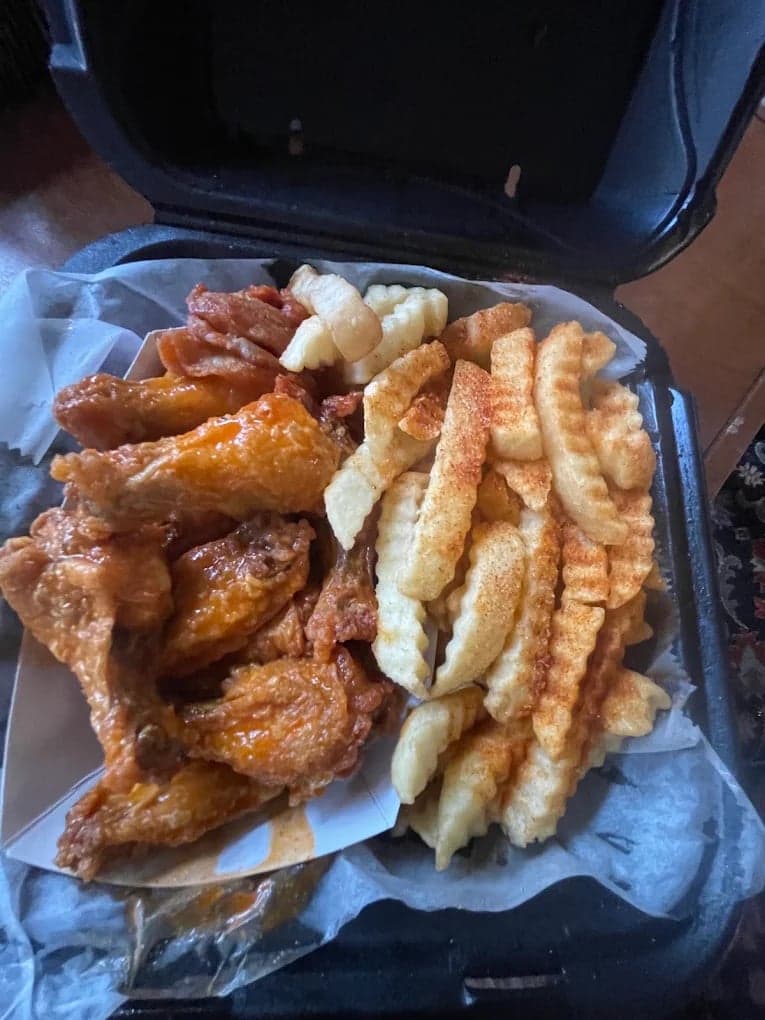
We hadn't updated our photos in three years. This finally got our DoorDash listing looking current.
5 photos free · No credit card · No watermark
Keep reading

Su Lee
Founder, MenuPhotoLab · Atlanta, Georgia
I have photographed Atlanta restaurants for six years as a food creator, and for the last two my sister and I have run SocialLee Agency, shooting and uploading menus for independent restaurants around metro Atlanta.
Sources (3, each with the date it was read)
Platform requirements change. This page carries the date each source was last checked. Self-serve prices are on the pricing page.
Not affiliated with DoorDash, Uber Eats, Grubhub, Instagram, Yelp.