
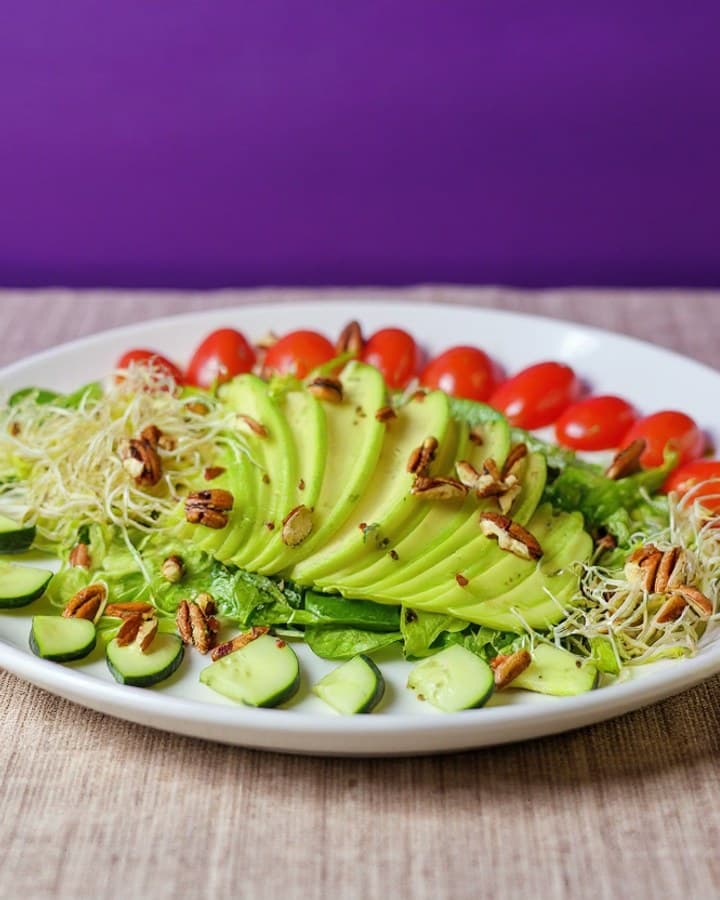
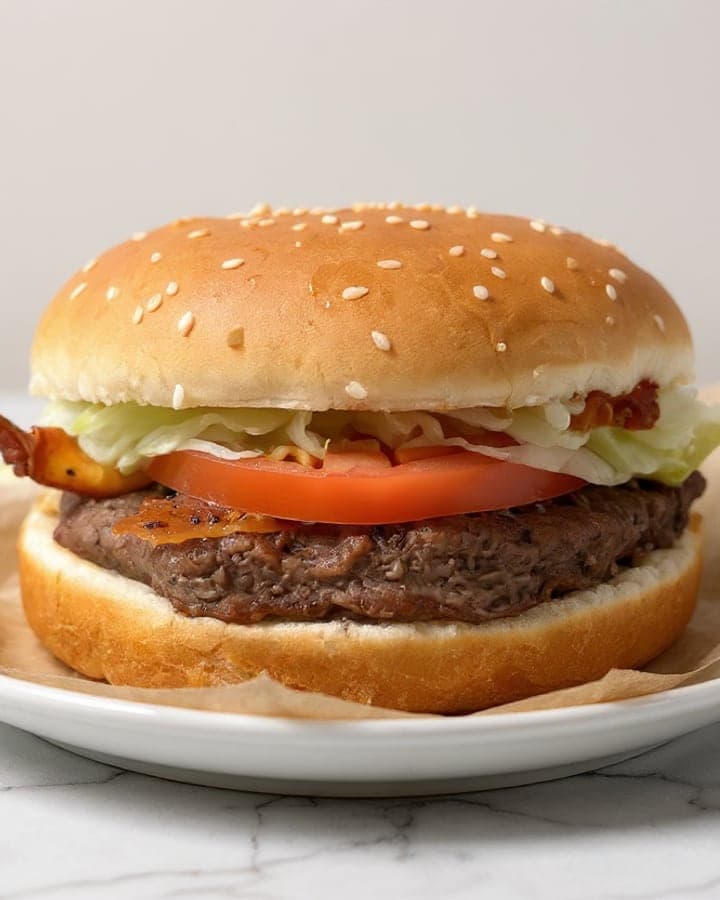
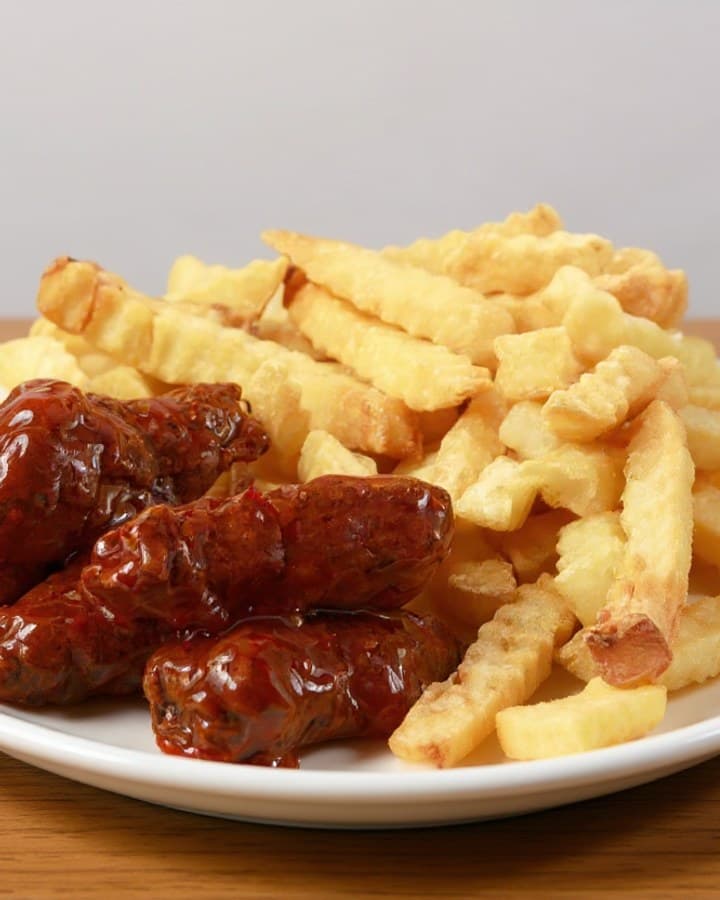
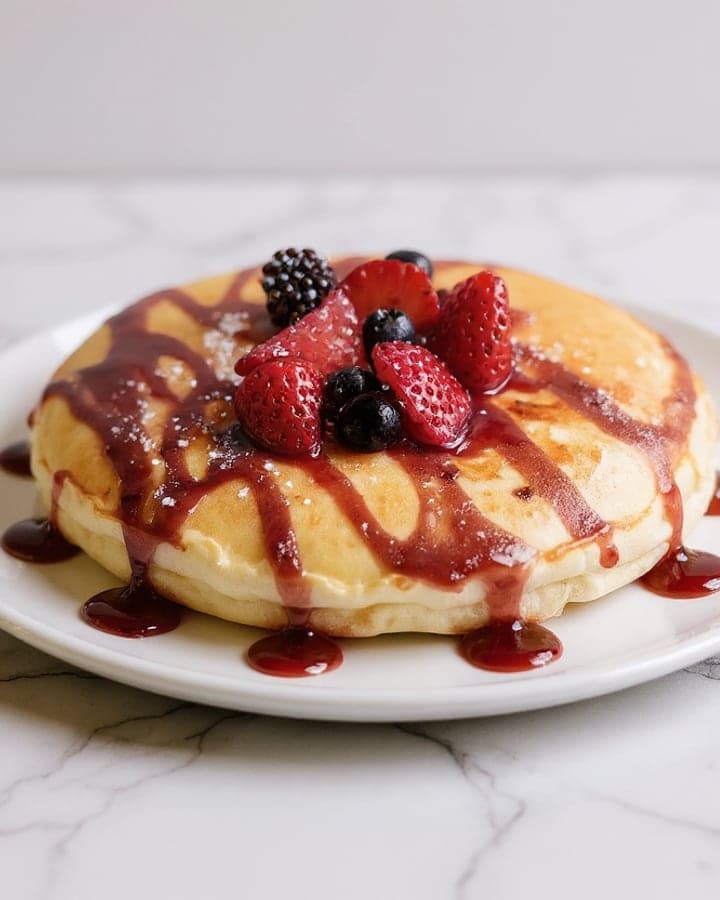
Menu photos for restaurants
Menu photos that sell more food.
We fix the light and background of your real dish photo. Never the food.
From $0.45 a photo. Your email only pre-fills the signup form. Prefer Google? Start here
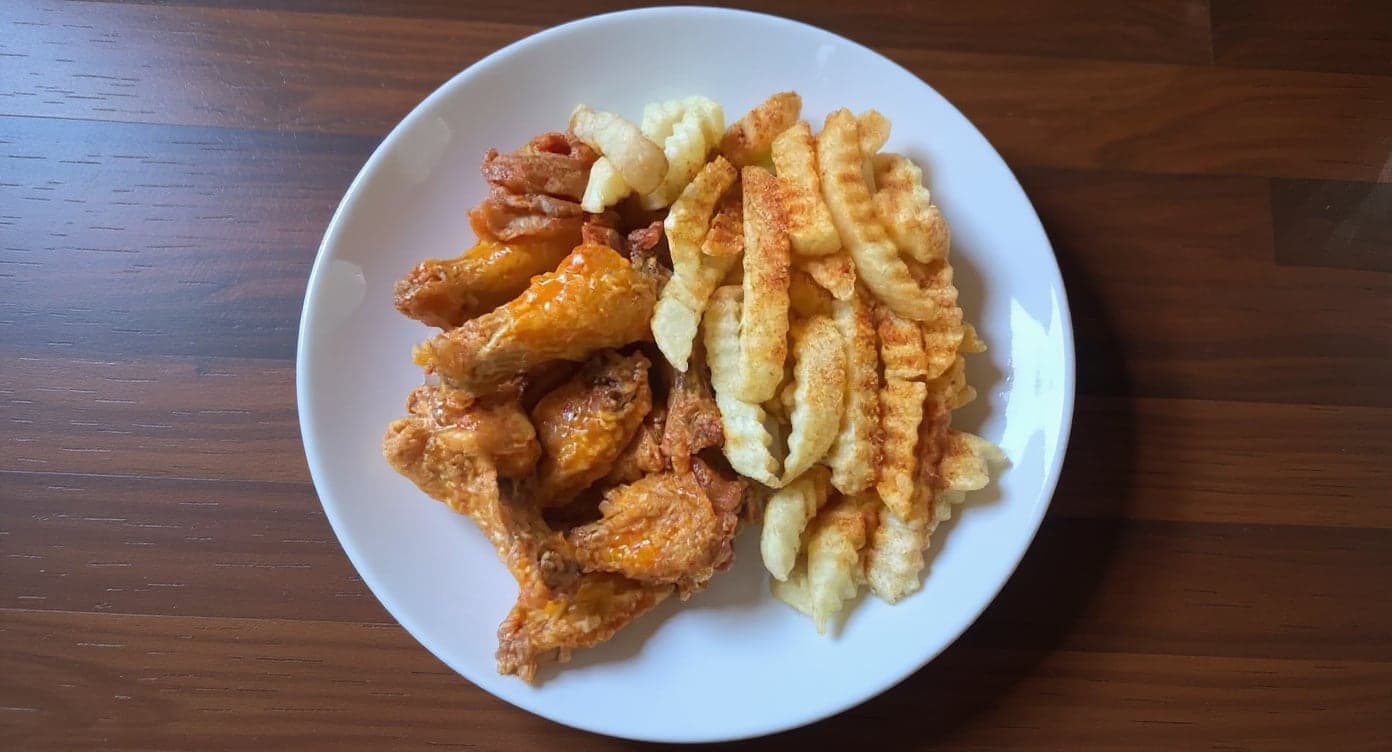
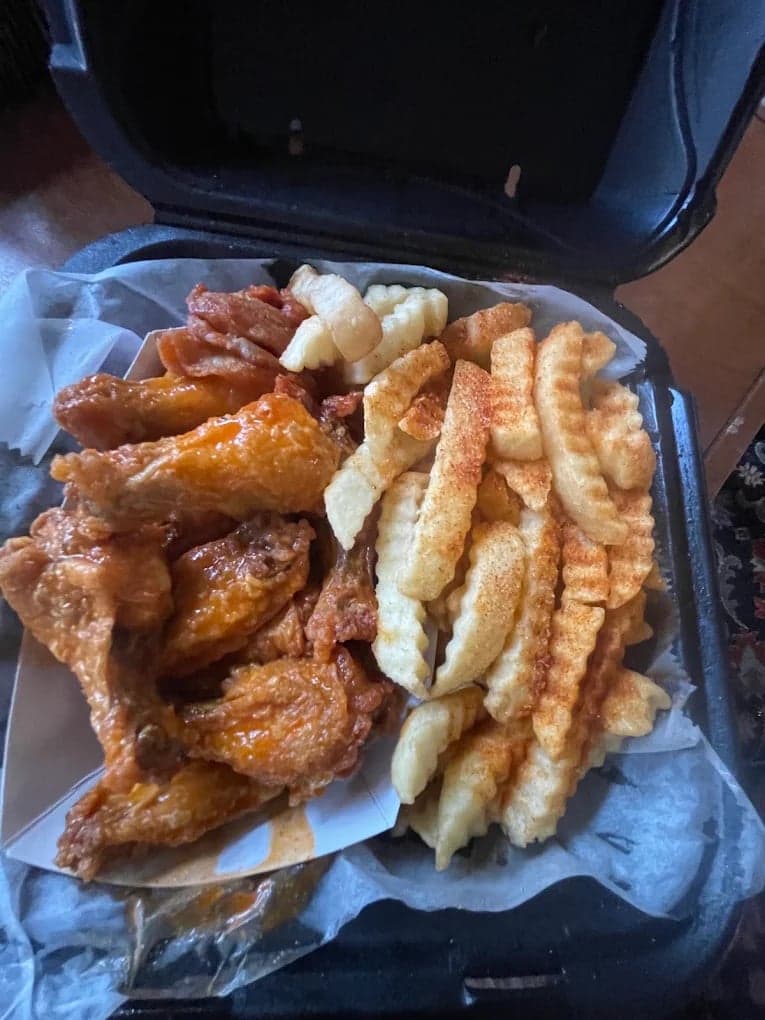
- Changed
- Lighting fixed
- Background cleaned
- Box to plate
- Sized 16:9
- Food untouched
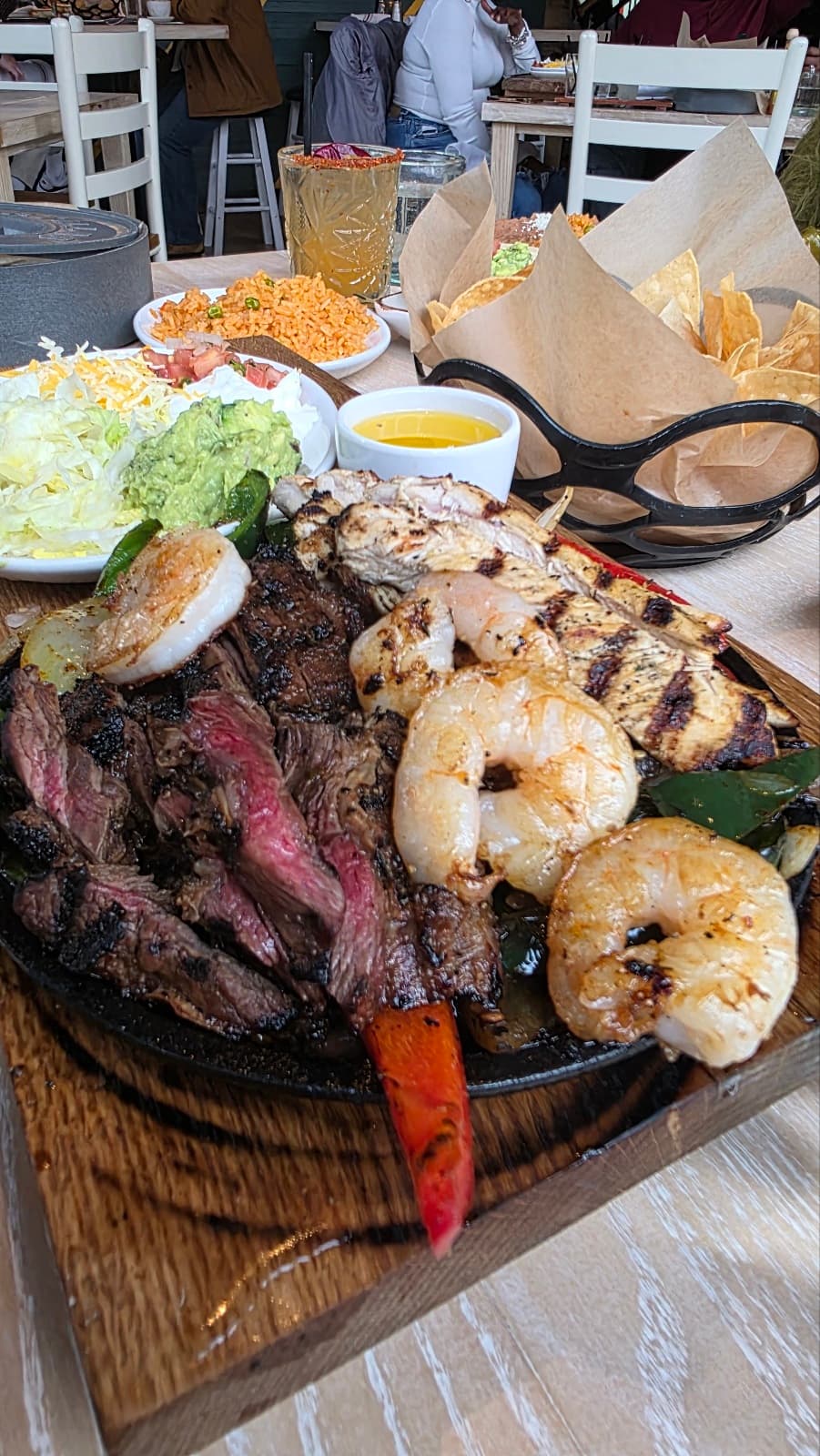
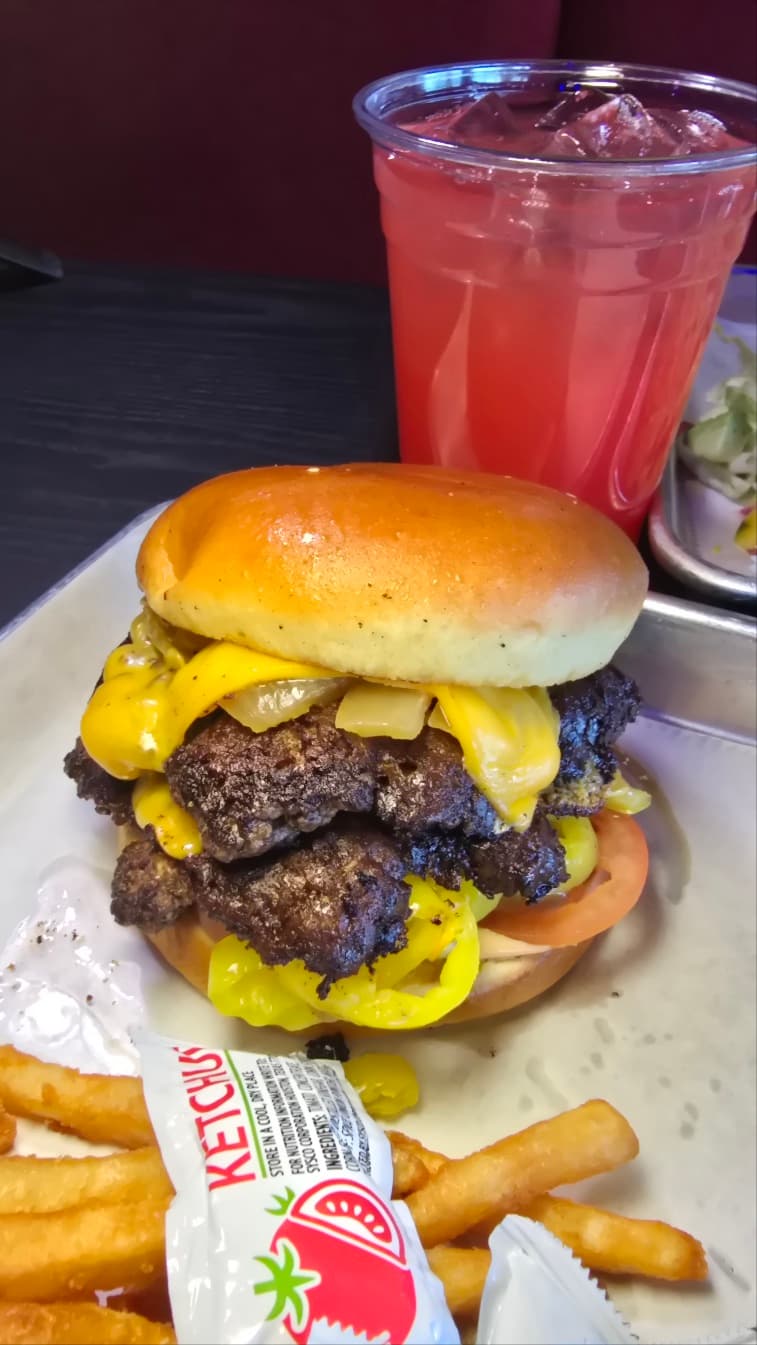
A real client's own phone photo, live on their DoorDash listing today. Drag to compare.
- No credit card
- No watermark
- Commercial license
 DoorDash
 Uber Eats
 Grubhub
 Toast
 Instagram
~1 min
per photo
5 free
no watermark, no card
$0.45
per photo, best pack
14 days
refund on paid packs
Three modes
Which photography look fits your restaurant?
Every photo goes through one of three modes. Each one says what it changes and what it keeps, in the same words the app uses.
- Delivery App Ready
- For your menu on DoorDash, Uber Eats and Grubhub. A clean background, even light and the right size for each app.
- Changes background, surface, light·Keeps your dish, exactly
- Natural Touch-Up
- For a photo you already like. We fix the light and color and leave everything else alone.
- Changes light and color·Keeps dish, plate, table
- Styled ShootNew
- For your website, ads and social posts. Pick one of 20 looks, or match a photo you love.
- Changes angle, light, surface, props·Keeps your dish, nothing edible added
Styled Shoot looks New
Styled Shoot re-photographs the dish you upload in one of 20 looks, or in the look of a photo you already love. The angle, the light, the table and the props change. The food stays exactly as you served it.
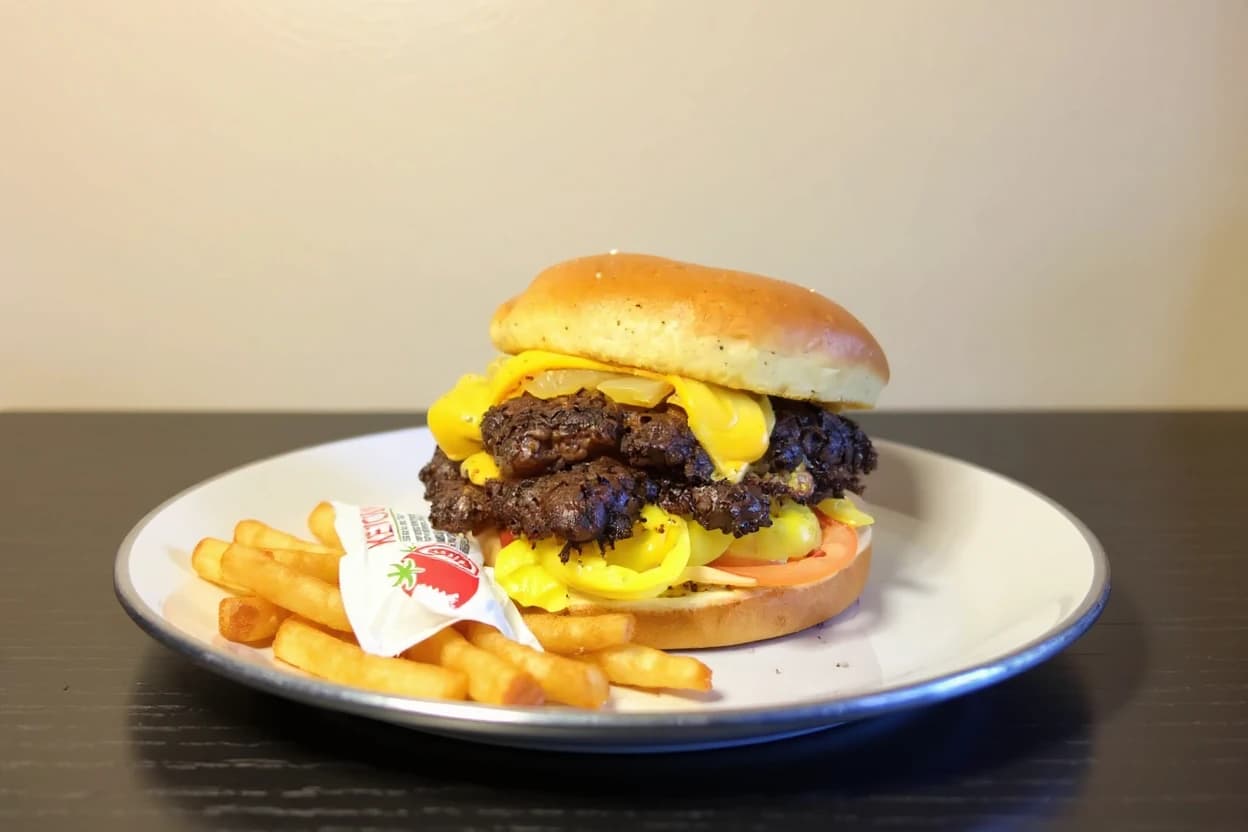
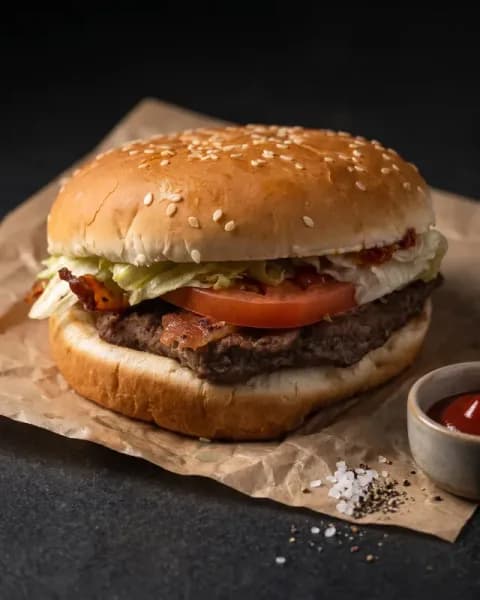 Low Key Herobacon burgerArtisan
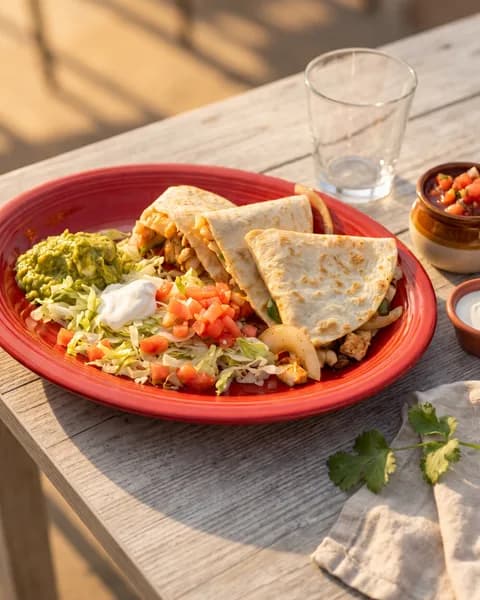 Late Afternoon SunquesadillaDramatic
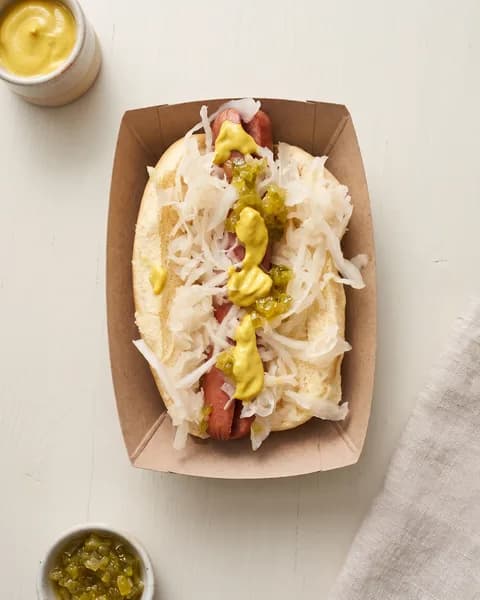 Minimal Overheadhot dog with sauerkrautCommercial
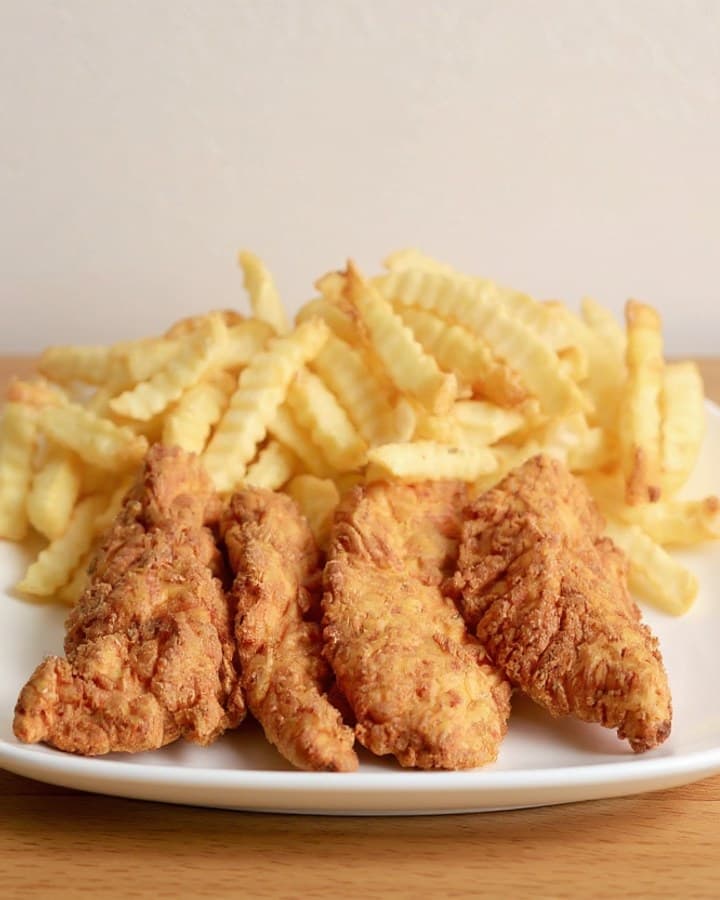
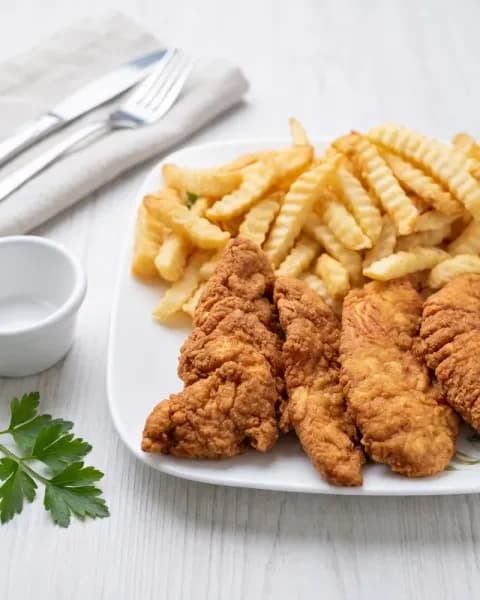 High Key Softchicken tenders and friesEditorial
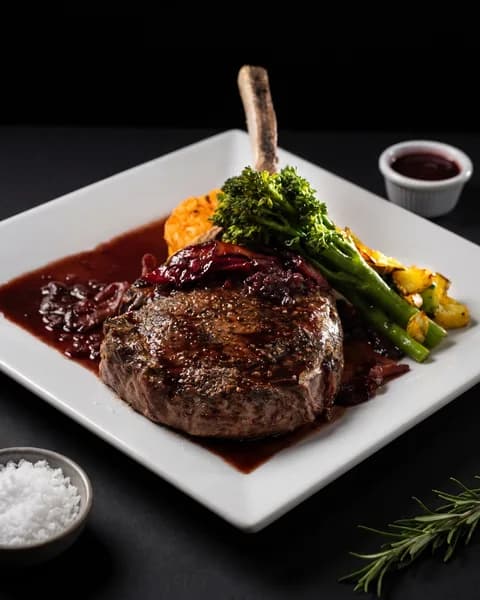 Chiaroscurobone-in steakDramatic
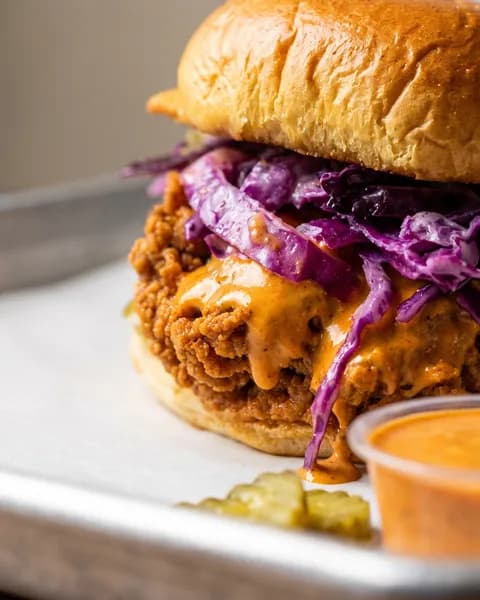 Macro Texturefried chicken sandwichEditorial
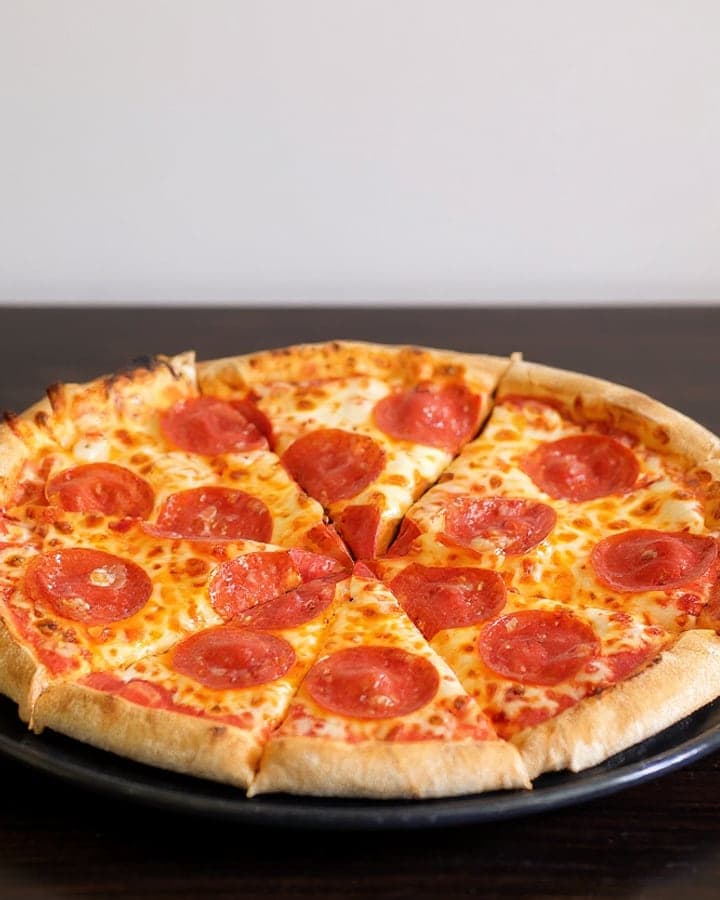
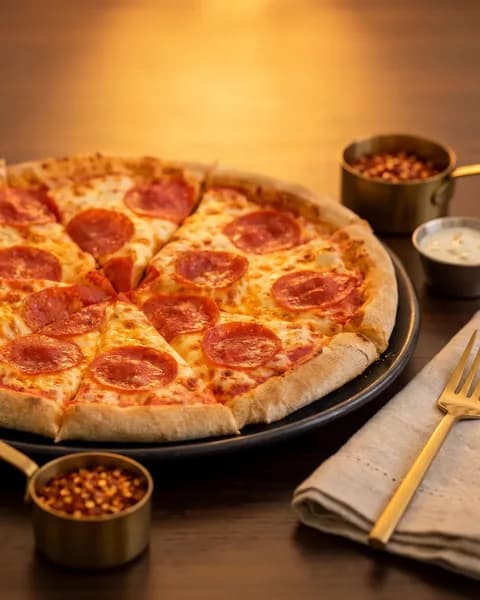 Tungsten Warmthpepperoni pizzaArtisan
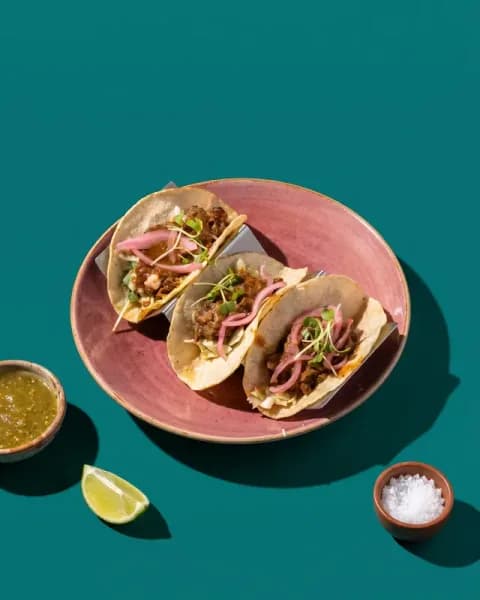 Seamless Colorstreet tacosCommercial
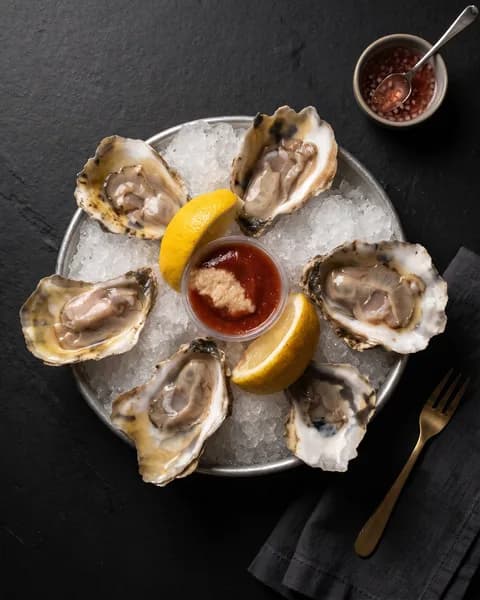 Black Slate Overheadoysters on the half shellEditorial
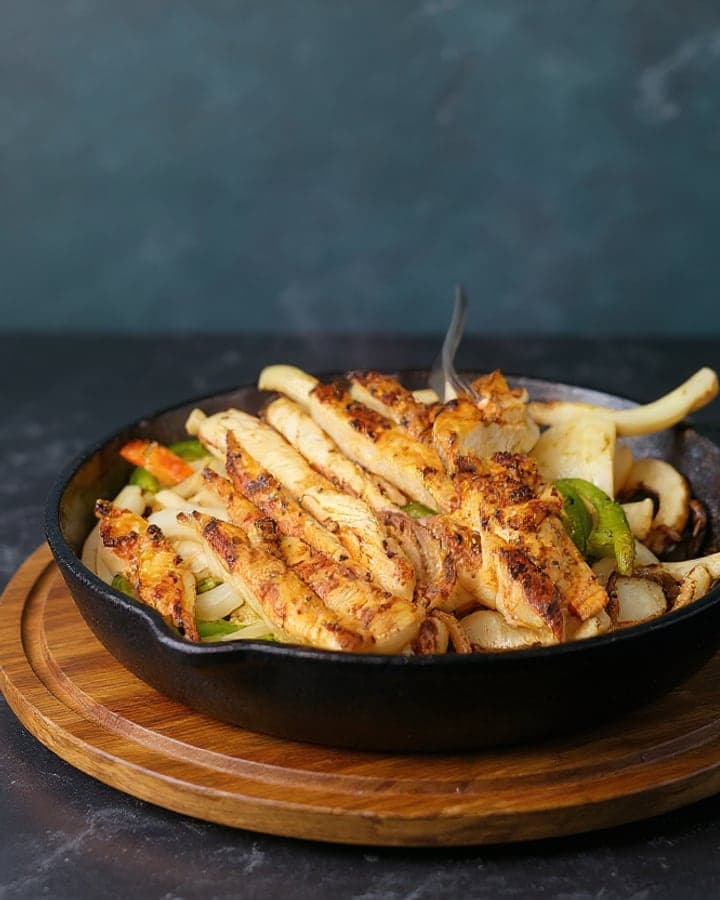
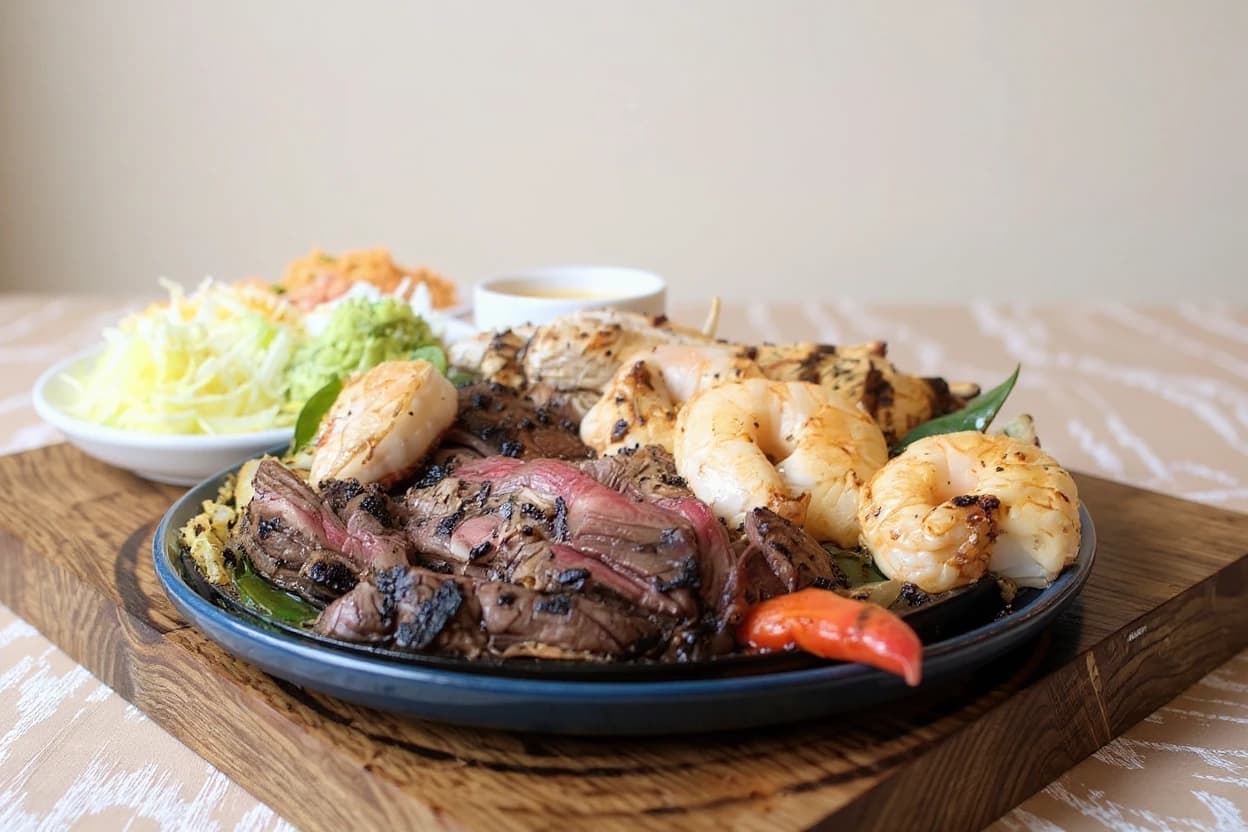
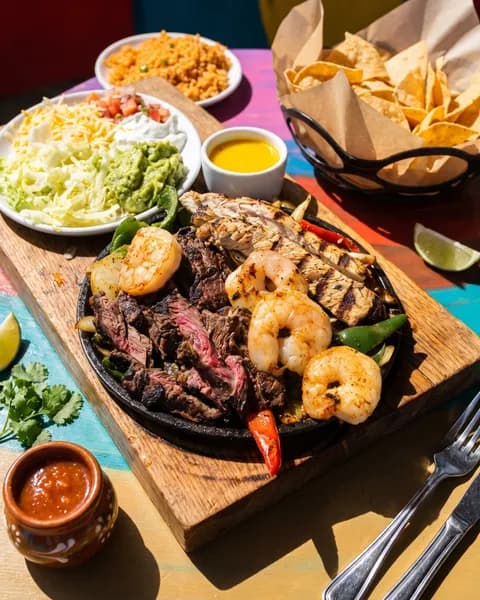 Motion Burstcombo fajitasSocial
Every mode costs one credit per photo. Try a look on your own dish, 5 photos free
What we fix, what we never touch
What does MenuPicture change in a photo, and what does it never change?
Other tools say they did not invent your food. Here is exactly what MenuPicture fixes, and what it is never allowed to touch.
What we fix
Lighting fixed
Exposure and white balance corrected.
Background cleaned
Clutter behind the plate replaced with the surface you chose.
Cropped & centered
Reframed to each platform's aspect ratio.
Plate swapped, only if you choose it
Pick a serving vessel in Delivery App Ready and the dish moves onto it. Otherwise your own plate stays.
Re-staged in Styled Shoot
The angle, the light, the table and the props change. The plate you served is the plate you see.
What we never touch
Ingredients added or removed
The plate you served is the plate that ships.
Portion size changed
What a guest sees is what arrives.
Before & after
Drag to see the difference
Real phone photos from real kitchens, enhanced by the same pipeline you get. Every card lists exactly what was changed, and the food is never on that list.
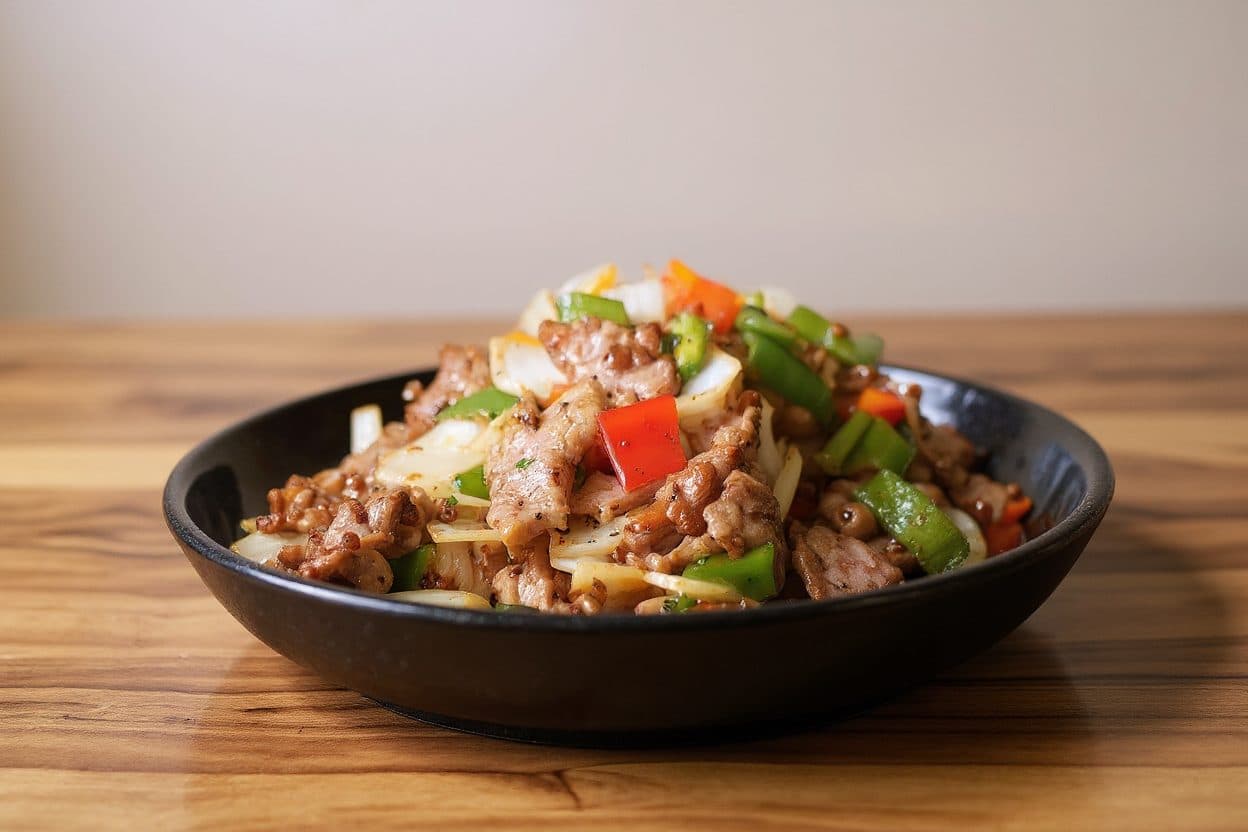
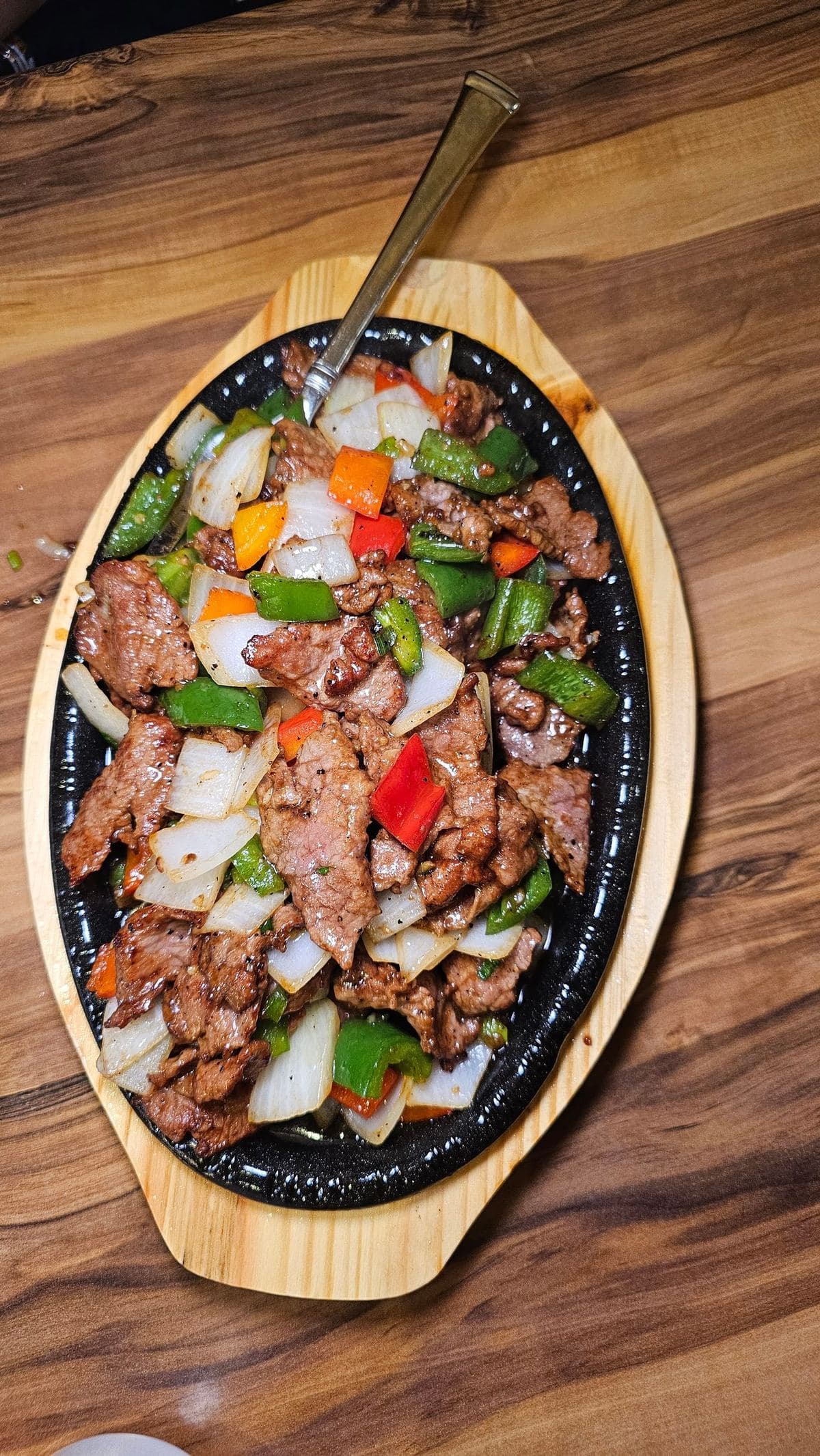
Pepper steak
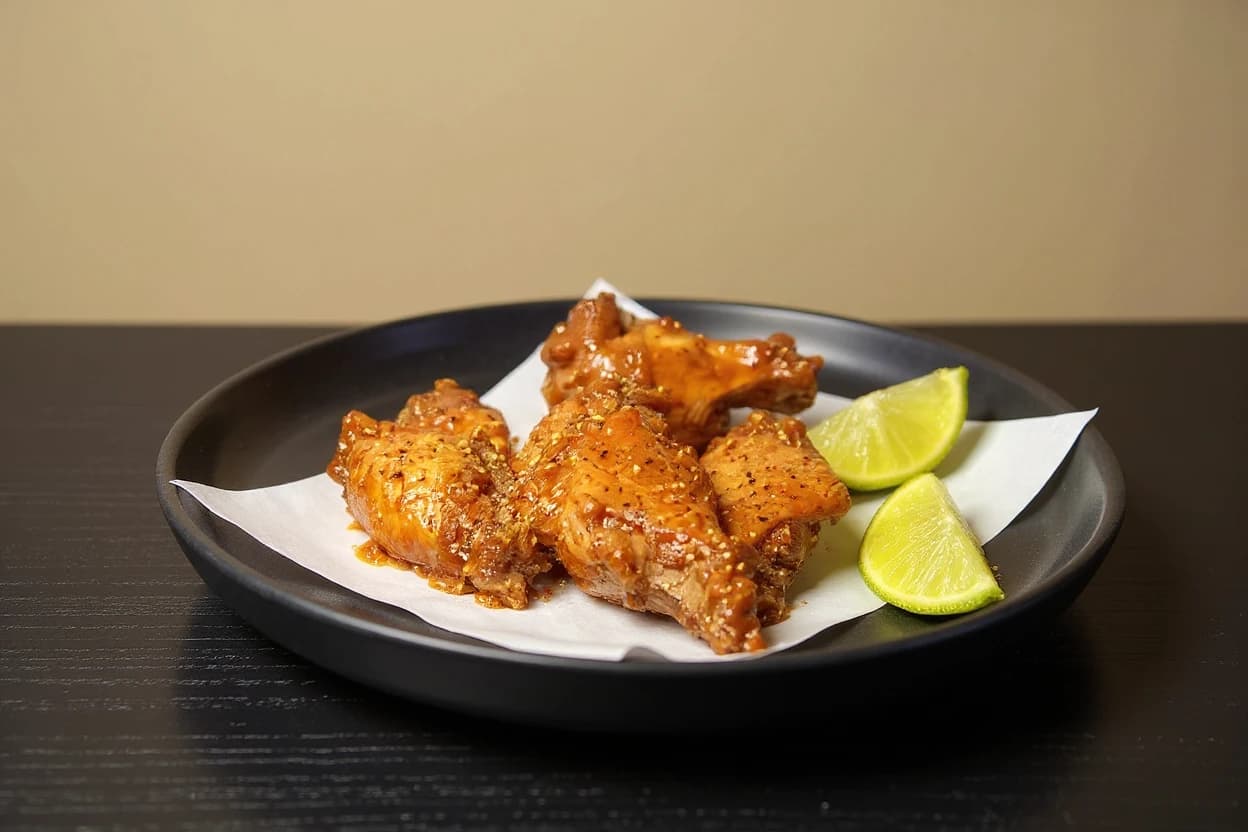
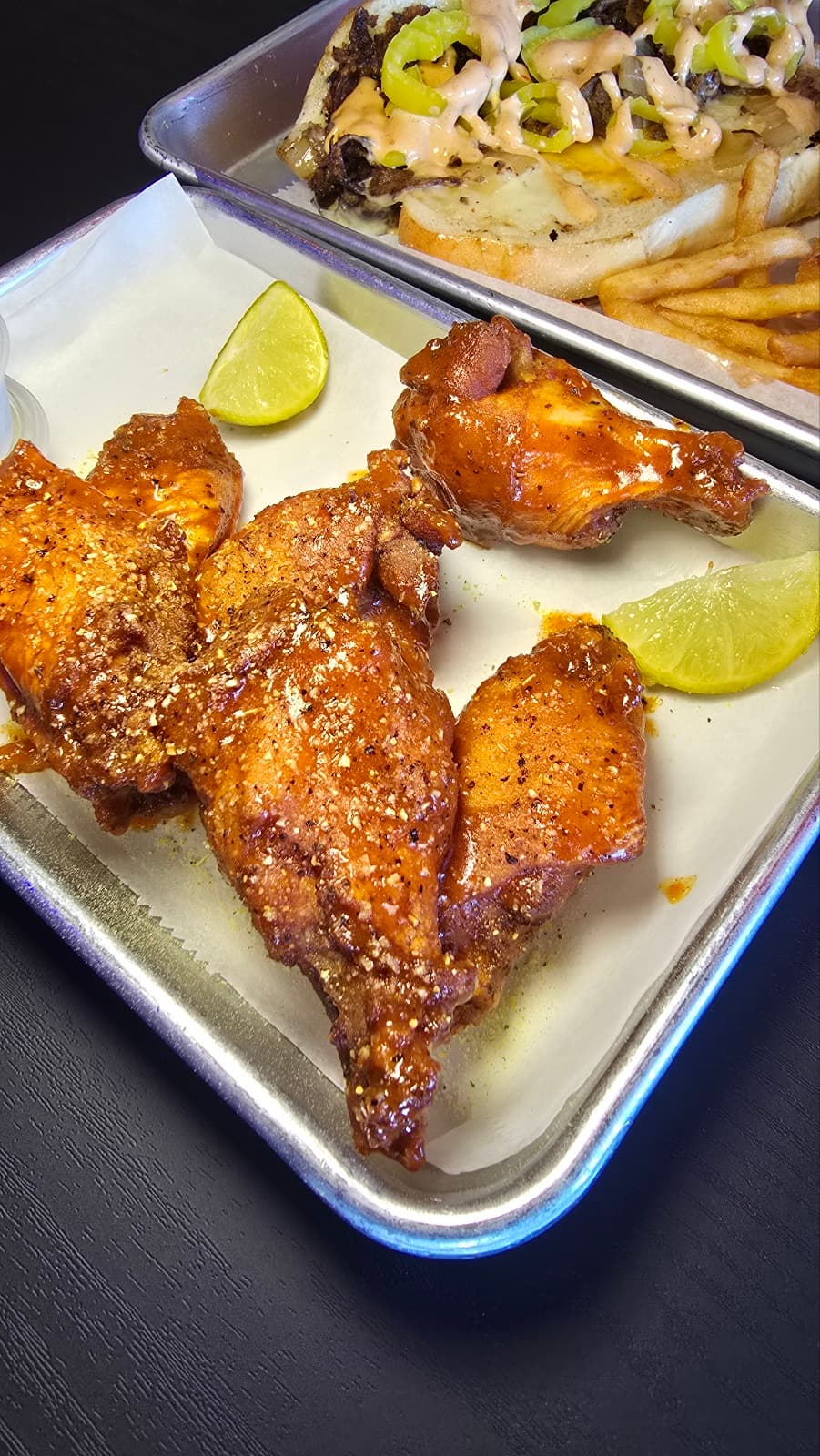
Spicy chicken wings
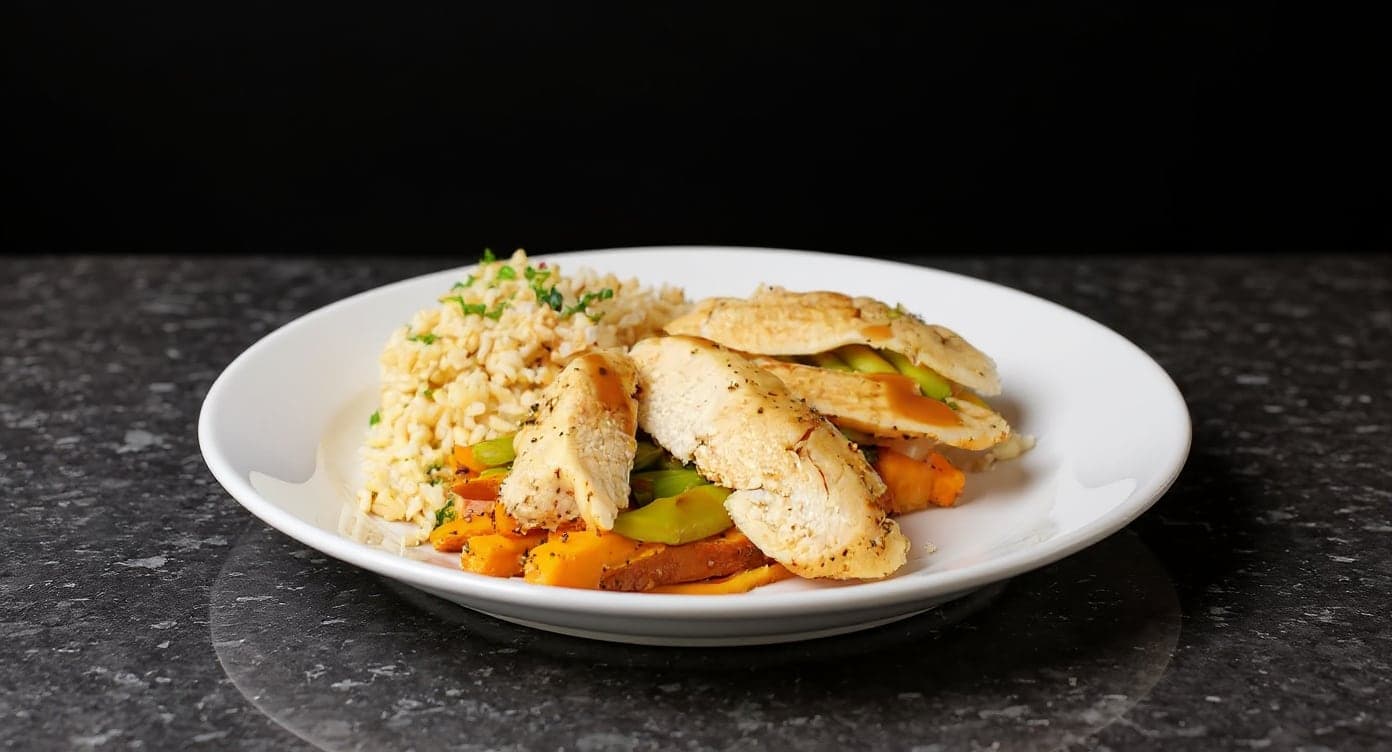
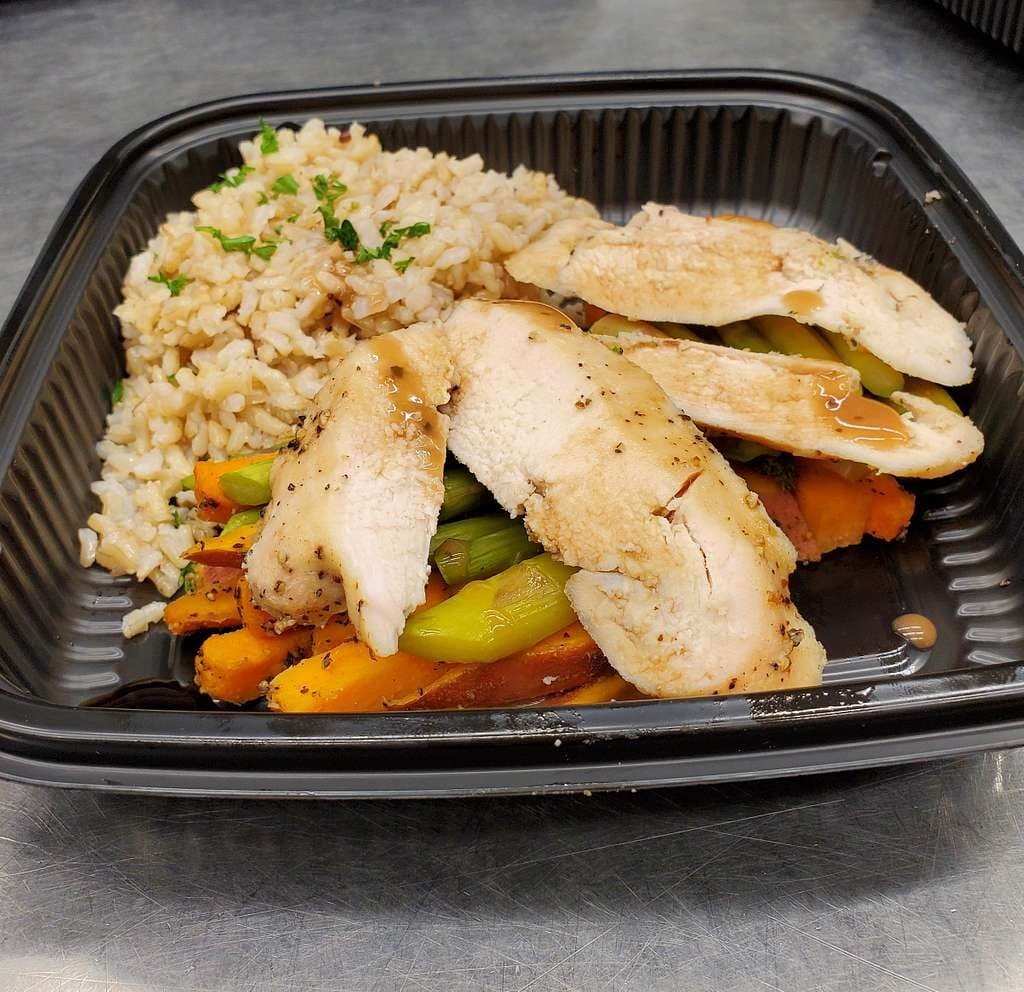
Chicken, rice & vegetables
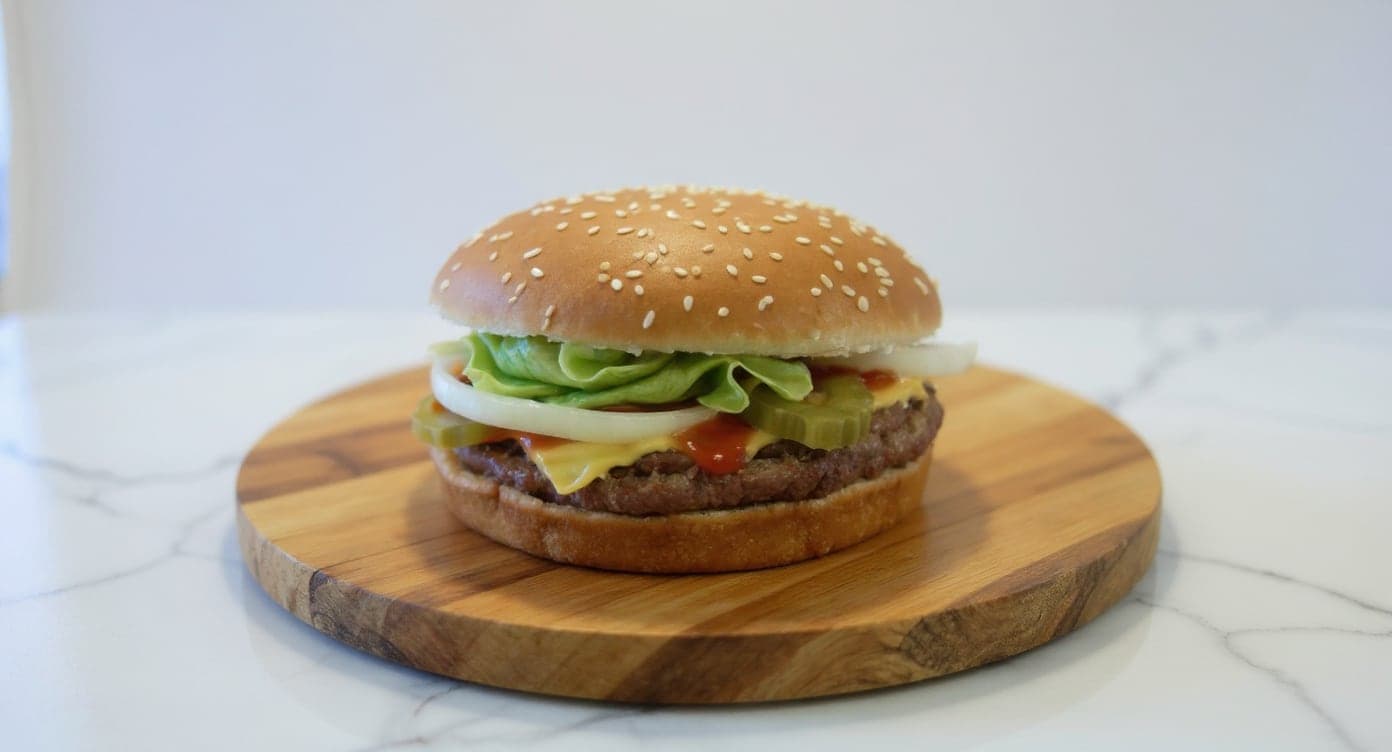
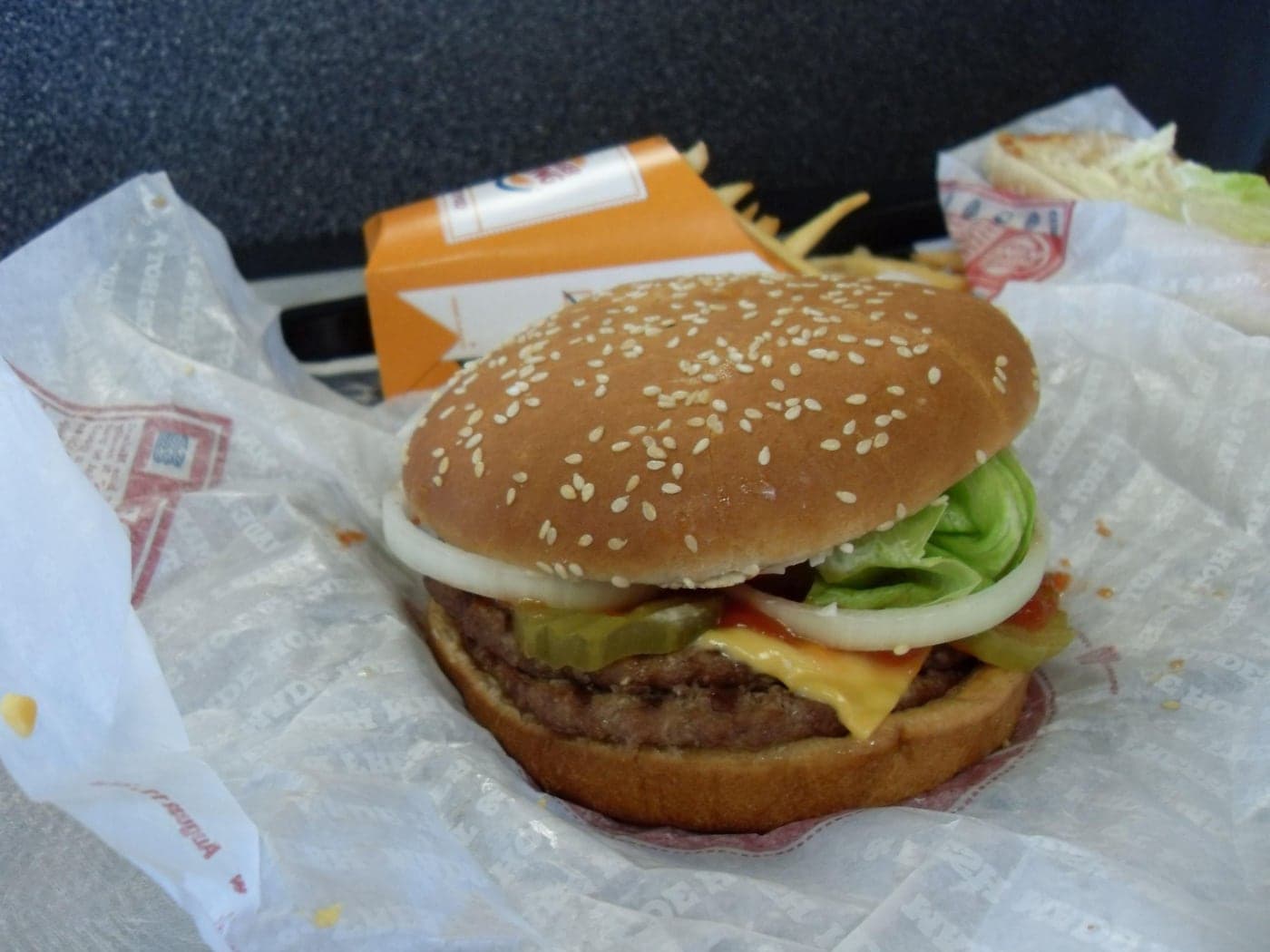
How it works
How does MenuPicture turn a phone photo into a menu photo?
01
Upload the real dish
Any phone photo. JPG, PNG or HEIC, straight from the kitchen pass.
02
Pick the look
Choose a ready-made style, or match the look you already use. About a minute per photo.
03
Export everywhere
Sized for DoorDash, Uber Eats, Grubhub, Toast, Instagram and your site in one click.
- Sized & optimized for
- DoorDash
- Uber Eats
- Grubhub
- Toast
- Deliveroo
- Google Business
- Website
- QR menu
Compare
Why not the free tool, or a generator?
The free tool is fine if you only sell on one app. A generator is fine if the dish does not matter. This is for the owner who wants one real photo that works everywhere.
Show the comparisonHide the comparison
Where the photo works
MenuPictureDoorDash, Uber Eats, Grubhub, your site, Instagram
- Free tools inside a delivery app:
- Inside that one app
- Image generators:
- Anywhere you export it
What happens to your dish
MenuPictureLight, background and framing only
- Free tools inside a delivery app:
- Plating can be changed
- Image generators:
- Food can be generated or added
Proof of what changed
MenuPictureA published list of what we fix and never touch
- Free tools inside a delivery app:
- Photos may carry an AI label
- Image generators:
- Often labeled as generated
Cost to try
MenuPicture5 photos free, then from $0.45 each. Credits never expire.
- Free tools inside a delivery app:
- Free
- Image generators:
- Usually a monthly plan
General descriptions of each kind of tool. Features vary by product and change over time.
Reviews
What restaurants are saying
Real reactions from restaurants whose menus this work went onto. Shared with permission; they are clients of the founder's restaurant content agency.
5 stars
“We hadn't updated our photos in three years. This finally got our DoorDash listing looking current.”
5 stars
“These DoorDash photos look amazing. Exactly the upgrade our shop needed.”
5 stars
“It genuinely looks like we hired a professional photographer. Thank you!”
5 stars
“The perfect poster for our brand. Thank you for such a beautiful piece for our social media.”
5 stars
“This looks incredible. We're using it for our Google Maps listing and social media.”
The founder
We shot these menus before we built the software
MenuPicture grew out of SocialLee Agency, the content agency my older sister and I run for restaurants. After six years photographing Atlanta restaurants, we had done the same fix by hand again and again: harsh kitchen light, a cluttered counter, a phone photo that didn't do the food justice. So we built the tool we wished we'd had. It fixes the light and the background of the photo you already have and leaves the plate exactly as you served it.
“Your food is real. If the photo stops being your food, it isn't a menu photo any more.”
Su Lee, founder, MenuPhotoLab LLC · Atlanta, Georgia
MenuPicture and menuphotolab.com are the same company and the same software.
Pricing
How much does MenuPicture cost?
Start with your own dish and pay when it works. Menu photos from $0.45 each, no subscription needed. Every account starts with 5 free.
Small Pack
$13$19
20 photos · $0.65 each · never expire
- 20 photo credits
- Credits never expire
- All styles & platform exports
- Commercial license included
Medium PackRecommended
$25$39
50 photos · $0.50 each · never expire
- 50 photo credits
- Credits never expire
- All styles & platform exports
- Commercial license included
Large PackBest value
$45
100 photos · $0.45 each · never expire
- 100 photo credits
- Credits never expire
- All styles & platform exports
- Commercial license included
Founding prices on credit packs bought by December 31, 2026. Credits never expire, so a pack keeps the price you paid.
Starter
$29/mo
For small restaurants
- 50 photos / month
- Basic enhancement
- Platform-ready exports
- Batch enhance and brand presets
- Email support
Multi-location
Custom
For groups & agencies
- Multiple brands & locations
- Team approval workflow
- API & export automation
- Dedicated onboarding
Full commercial rights on every image · Only successful enhancements use a credit · 14-day refund · Cancel anytime
FAQ
Questions owners ask
Is MenuPicture the same as MenuPhotoLab?
Yes. Both are run by MenuPhotoLab LLC in Atlanta, Georgia, and use the same photo pipeline and the same accounts. MenuPicture is the simpler front door for restaurant owners; the guides and free tools are shared between the two sites.
Who is MenuPicture for?
Restaurant owners and managers who sell on DoorDash, Uber Eats or Grubhub and would rather improve the photos they already take than book a photographer each time the menu changes. Delivery-only brands, ghost kitchens and food sellers with an online menu use it too.
Does MenuPicture change my food?
No. The dish stays exactly as you served it: the same portion, ingredients and arrangement. MenuPicture never invents or redraws food. It improves what is around the dish: the light, the background, the framing and, in Styled Shoot, the table, the angle and the props beside the plate.
What is Styled Shoot?
Styled Shoot re-photographs the dish you upload in one of 20 photography looks, such as a low key hero shot, late afternoon sun or a minimal overhead, or in the look of a photo you already love. The table, the light, the angle and the props change; the food stays exactly yours. It is made for your website, ads and social posts, and costs the same one credit as any other photo.
Can I upload a photo from my phone?
Yes. A photo from an ordinary iPhone or Android taken in your kitchen is enough, with no special camera, lights or stylist. JPG, PNG and HEIC files all work, so you can upload whatever your phone saved.
Will the photo fit DoorDash, Uber Eats and Grubhub?
Yes. Each export is sized and formatted for the app you choose: DoorDash, Uber Eats, Grubhub or Toast, plus your website, Instagram and print menus. One finished photo can be exported at every size your menu needs.
Why was my DoorDash photo rejected?
Common reasons are a blurry or low-resolution image, packaging, drinks or extra dishes in the frame, a watermark or text on the picture, and heavy filters. The free Photo Rejection Checker under Free tools tests a photo against DoorDash, Uber Eats and Grubhub rules before you upload it, and MenuPicture checks your photo against the same guidelines before export.
Do I still need DoorDash's free photoshoot?
You can use both. DoorDash's free shoot covers up to 20 menu items, and DoorDash says those photos should not be used on other delivery apps. Your own photos, enhanced here, are yours to use on every app, your website and social media, so the shoot and MenuPicture work well together.
What if I am not happy with a purchase?
Paid credit packs come with a 14-day refund. Credits never expire, and a credit is used only when an enhancement succeeds. Your first 5 photos are free, with no card and no watermark, so you can see the result on your own dish before you pay.
Free tools
Not ready to sign up? Start with a free tool.
These run on your own device. No account, no upload and no AI, so you can try them with any photo today.
Will DoorDash take your photo? Check it free.
Drop a dish photo to test its size, shape and file type against DoorDash, Uber Eats and Grubhub. It stays on your device.
Shoot your whole menu tonight.
Five photos free. No card, no watermark, full commercial license.
Enhance 5 photos free