
Your menu photo was rejected. How do you find out why?
All three reject photos, but only DoorDash and Uber Eats tell you why. DoorDash publishes eleven named reasons and emails you the one that applies. Uber Eats shows the reason in Menu Maker. Grubhub's automated system returns Approved, In review or Rejected, with no reason attached.

Su Lee · Founder, MenuPhotoLab
6 min read · Sources last read · 5 sources
On this page · 5 sections
Read in another language
Will your photo pass DoorDash, Uber Eats and Grubhub?
Check its size, shape and file type against DoorDash, Uber Eats and Grubhub’s published rules in a few seconds. The photo stays on your device and nothing is uploaded.
Drop a photo here, or choose one from your phone or computer.
A rejected photo is a solvable problem, but only if you can find out which rule it broke. That turns out to be the part the platforms differ on most, and it is worth knowing before you start guessing.
| DoorDash | Uber Eats | Grubhub | |
|---|---|---|---|
| Tells you the reason? | Yes, one of eleven named reasons | No, it points at the whole guideline list | No, a status only |
| What you actually receive | The specific reason, by email | The reason, in Menu Maker | Approved, In review or Rejected |
| Review time published? | No | Cover images only, up to 3 business days | No |
| Appeal process published? | No | No | No |
| Screened by | Not published | Not published | An automated system, stated |
Does the platform tell you which rule you broke?
Only one of them does, and the gap between the three is much larger than the gap between their actual rules.
DoorDash publishes eleven rejection reasons and sends you the one that applies, so you know whether to reshoot, recrop or relight. That is the whole difference between a ten minute fix and an afternoon of guessing.
Uber Eats has a heading for exactly this question. The answer under it is one sentence:
Your photo might have been rejected because it did not adhere to the guidelines above. Once you’ve edited your photo, you can submit it again for approval.
The guidelines above run to roughly a dozen separate rules. You are told that one of them was broken, not which.
Grubhub does not answer it at all. Its help center describes an automated system that marks each image Approved, In review or Rejected, and publishes no reason codes to go with those statuses:
Approved: image passed system criteria. In review: image is currently in the system processing. Rejected: Image did not pass system criteria.
What gets a photo rejected on all three platforms?
Start here, because the overlap is large and these are the reasons that account for most rejections.
The wrong size or shape
The most common cause and the easiest to check before uploading. Each platform wants a different aspect ratio, so a file exported for one is frequently out of spec on another.
Blurry or out of focus
Named explicitly by DoorDash and Uber Eats.
Poor lighting
DoorDash rejects harsh shadows and blown highlights; Uber Eats rejects strong shadows and insufficient lighting.
More than one item
Uber Eats is strictest here: the photo must represent a single item, so a platter with its side and a drink is out.
A photo that is not of food
Grubhub states that everything except the logo should be a photo of food, and that coupons, weekly specials and interior or exterior shots are not accepted.
Size and shape are worth treating separately from the rest, because they are the only rejection reason you can eliminate entirely at the moment you take the photo rather than at the moment you export it. Frame the dish with room around it and one original survives every crop.
Which rules do the three platforms disagree on?
Three, and the first will catch a photograph most people consider obviously fine.
| DoorDash | Uber Eats | Grubhub | |
|---|---|---|---|
| Hands in the frame | Allowed if out of focus, to the side, and not obscuring the item | Allowed | Prohibited |
| Text or words on the image | Rejects overlays, text and watermarks | Prohibited, except text on the food or its packaging | Not published as a separate rule |
| Stock or duplicate photos | Asks for real photos of your actual item | You must own or have rights to the image | Rejected if a reverse Google image search returns a match |
Take the hands rule literally. A photograph of a hand holding a burger is acceptable on Uber Eats, acceptable on DoorDash only if the hand is soft and off to the side, and prohibited outright on Grubhub, whose developer portal names "body parts, hands holding food, people eating" among the things an image cannot contain. One image, three verdicts.
Grubhub's copyright check is the one nobody expects. It states that images must not return matching URLs from a reverse Google image search. That rejects a stock photo, but it also rejects a photograph of your own that already appears on your own website, which is a perfectly reasonable thing for a restaurant to have done.
What this means if you sell on more than one platform
A rejection on one platform tells you very little about the other two. The rules genuinely differ, and only one platform will tell you which rule you hit, so debugging by resubmitting the same file everywhere wastes days.
The approach that costs least: shoot with margin around the dish, keep hands and text out of frame entirely, use a photograph that has never been published anywhere else, and export a separate file per platform. That single set of choices satisfies the strictest version of every rule above, which means you never have to work out which platform you are arguing with.
If a photo has already been rejected, open the platform's own page for the details rather than guessing from another platform's rules.
Frequently asked questions
Why was my menu photo rejected?
It depends which platform rejected it. DoorDash publishes eleven named reasons and emails you the one that applies. Uber Eats shows the reason in Menu Maker. Grubhub's automated system returns Approved, In review or Rejected with no reason. Across all three, the most common causes are the wrong size or aspect ratio, blur, and poor lighting.
Can I appeal a rejected menu photo?
No platform publishes an appeal process, but DoorDash's merchant portal does carry a Request review control on the rejection notice, worded "If you think this was a mistake, you can request another review". It appears nowhere in DoorDash's help center. Undocumented is not the same as unavailable, so check the portal itself before assuming a rejection is final.
Can I have hands in a menu photo?
It depends on the platform, which is unusual enough to be worth checking before you shoot. Uber Eats allows hands, saying images cannot depict people except for hands. DoorDash allows them only if they are out of focus, off to the side, and do not obscure the item. Grubhub's developer portal prohibits body parts, naming hands holding food. Keep hands out of frame and one photo works everywhere.
How long does a menu photo review take?
Only Uber Eats publishes a figure, up to 3 business days, and it states that for cover images. No platform publishes a review time for menu item photos. Grubhub does state that an automated system does the screening, which is why its status can change faster than a human review would, though it still commits to nothing.
Will a photo from my own website be rejected?
It can be, on Grubhub. Grubhub states that images must not return matching URLs from a reverse Google image search, and a photo already published on your own website will usually match. DoorDash and Uber Eats publish no equivalent check, though both require that you own or have the right to use the image.
Real client work
A real restaurant's takeout photo, now live on DoorDash
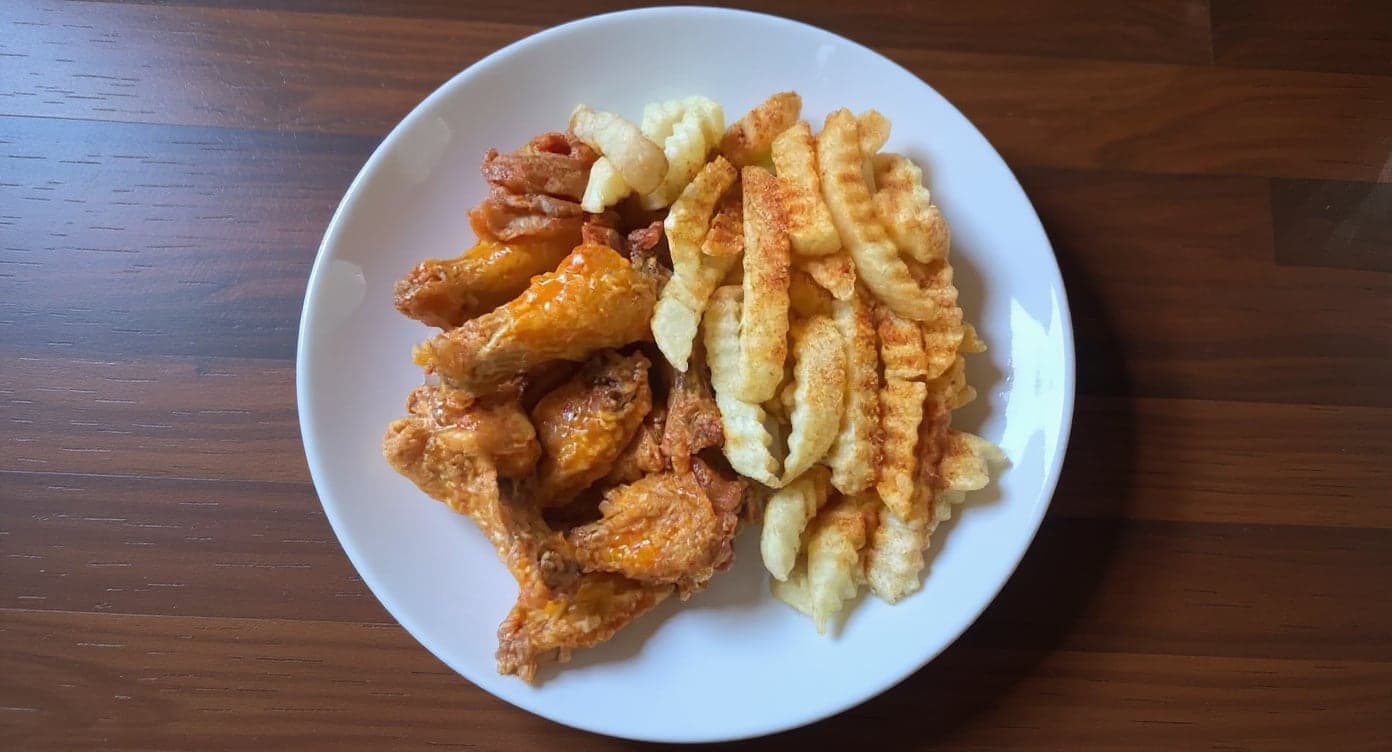
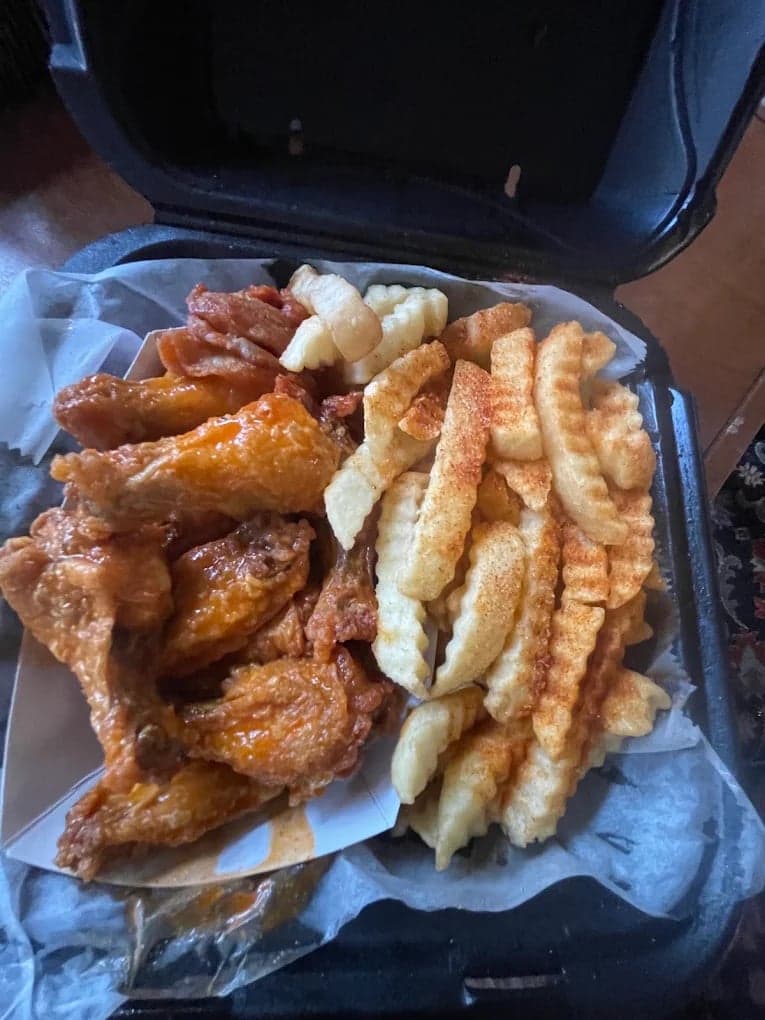
We hadn't updated our photos in three years. This finally got our DoorDash listing looking current.
5 photos free · No credit card · No watermark
Keep reading

Su Lee
Founder, MenuPhotoLab · Atlanta, Georgia
I have photographed Atlanta restaurants for six years as a food creator, and for the last two my sister and I have run SocialLee Agency, shooting and uploading menus for independent restaurants around metro Atlanta.
Sources (5, each with the date it was read)
- Uber Help, Adding cover images and menu catalog photos (item photo reason shown in Menu Maker; See Reasons and the 3 business day review are in the cover image section), read
- DoorDash, Common photo issues explained (the eleven reasons, the hands rule, lighting and framing), read
- Uber Help, Merchant submitted menu catalog photo guidelines ("Why did my photo get rejected?", the prohibitions, and hands as the one exception to the no-people rule). Uber serves 404 to non-browser requests even for valid URLs, so this has to be read in a browser and the nodeId parameter is required., read
- Grubhub, Menu overview help center (the Approved / In review / Rejected statuses, the food-only rule, safe search and the reverse image search check), read
- Grubhub developer portal, Menu Imagery Specifications (the body parts prohibition). A JavaScript app: it answers curl with "Grubhub is loading...", so it must be read in a rendered browser and a failed fetch does not mean it is gone., read
Platform requirements change. This page carries the date each source was last checked. Self-serve prices are on the pricing page.
Not affiliated with DoorDash, Uber Eats, Grubhub.