
Why do my restaurant food photos look dark and yellow?
Two problems, usually at once. Yellow comes from warm indoor bulbs, 2500 to 3500 K against daylight at 5000 to 6500 K. Dark comes from the phone's meter, which reads a white plate as bright and underexposes the food. To fix both, shoot beside a window with the overhead lights off, then tap the food and raise the exposure.

Su Lee · Founder, MenuPhotoLab
6 min read · Sources last read · 3 sources
On this page · 6 sections
Read in another language
Will your photo pass DoorDash, Uber Eats and Grubhub?
Check its size, shape and file type against DoorDash, Uber Eats and Grubhub’s published rules in a few seconds. The photo stays on your device and nothing is uploaded.
Drop a photo here, or choose one from your phone or computer.
Why does my food look yellow or orange?
Because the light in most dining rooms is warm, and a camera records warm light as a color rather than as white.
Every light source has a color temperature, measured in kelvin (K). Lower numbers are warmer and more orange. Higher numbers are cooler and more blue. Your eyes adjust to this automatically, so a plate under a warm bulb still looks white to you in the room. A camera has to guess, and when it guesses short, the white plate comes out cream and the food comes out orange.
Here is where the common light sources sit.
| Light source | Color temperature | What it does to food |
|---|---|---|
| Candlelight | 1000 to 2000 K | Deep orange. Almost impossible to correct fully |
| Household tungsten bulb | 2500 to 3500 K | Yellow or orange cast. The usual culprit in a dining room |
| Fluorescent lamp | 4000 to 5000 K | Can pull slightly green |
| Daylight, clear sky, sun overhead | 5000 to 6500 K | Close to neutral. Whites read white |
| Moderately overcast sky | 6500 to 8000 K | Slightly cool |
| Shade or heavily overcast sky | 9000 to 10000 K | Noticeably blue |
Why does my food look too dark?
Because the camera is trying to make the scene average out to a middle gray, and a white plate fools it.
A phone's exposure meter does not measure how much light is in the room. It measures how much light bounces back off what it is pointed at. As ScanTips explains, a reflected meter reading "is influenced by both how much light there is in the scene and how reflective the subject is."
That is the problem with food on a white plate. The plate reflects a lot of light, so the meter reads the scene as bright and cuts the exposure to bring it back to middle gray. ScanTips again: "Light colors reflect light well to meter a high value. The exposure sets that to be a middle result." The plate comes out a dull gray and the food, which was never as bright as the plate, drops into shadow.
The error is not small. In ScanTips' own test a white card came out roughly two stops underexposed against a gray card, and it notes that light-colored subjects "likely will need 1/2 stop or 1 stop more exposure."
Does DoorDash reject dark or yellow photos?
It rejects poor lighting. It does not name color casts, and that distinction is worth getting right.
Poor lighting is one of the eleven rejection reasons DoorDash publishes. Its definition covers exposure only: "No harsh shadows (undersaturation) or blown-out highlights (oversaturation)." In plain terms, shadows so dark the detail is lost, or highlights so bright the detail is gone. DoorDash's advice is to "use natural light when possible" and to "make sure details are visible in both highlights and shadows."
So a photo that is too dark is squarely inside a published rejection reason. A photo that is only yellow is not named anywhere in that list. That does not make a yellow photo a good idea. A plate of food under an orange cast looks older, heavier and less fresh than it is, which costs you orders whether or not a moderator ever flags it.
How do I fix it before I take the photo?
Fix the light, then fix the exposure. Most of the work is the first step.
Harsh kitchen light is the fix my sister and I made by hand for restaurant after restaurant, before MenuPhotoLab existed.
Shoot next to a window in daylight
Daylight sits at 5000 to 6500 K, close enough to neutral that whites read white. It is also exactly what DoorDash recommends.
Turn the overhead lights off
This is the step people skip, and it is the one that removes the yellow. Leaving them on while you shoot by a window gives you two color temperatures on one plate.
Do not use the flash
A phone flash fires straight at a glossy sauce and produces the hard glare and harsh shadows that DoorDash's lighting rule is written against.
Tap the food on your screen, then brighten
Tapping tells the phone what to expose for, so it stops metering off the bright plate. Then drag the brightness control up. For a scene with a lot of white in it, ScanTips suggests adding at least +1 EV of exposure compensation.
Check the shadows before you move on
If you cannot see texture in the darkest part of the dish, it is still too dark.
What if the photo is already taken?
Both problems can be corrected afterwards, and correcting them does not change what the dish is.
Raise the exposure until the shadows show texture again, and shift the white balance cooler until the plate reads white rather than cream. Use the plate as your reference. If it is genuinely white, it should look white.
Correcting light and color changes how the dish was photographed. It does not change the food, the portion or the plate. That is the same line the platforms draw between an enhanced photo and a misleading one, and I go through where exactly it sits in the guide on AI-generated food photos.
There are limits. A photo shot by candlelight, or with the detail already crushed to black, has lost information that no edit can bring back. If the shadows are pure black, reshoot.
Frequently asked questions
Why do restaurant food photos look yellow?
Because most dining rooms are lit by warm bulbs. A household tungsten bulb sits around 2500 to 3500 K, much warmer than daylight at 5000 to 6500 K. Your eyes adjust to the warmth automatically but a camera records it, so white plates come out cream and food comes out orange.
Why is my food photo dark when the room looks bright?
The phone's meter reads reflected light, not room light. A white plate reflects a lot, so the meter decides the scene is bright and cuts the exposure to average it out to middle gray. The food, which was never as bright as the plate, falls into shadow. Tap the food to expose for it, then brighten.
Will DoorDash reject a yellow food photo?
Not for being yellow as such. DoorDash's published Poor lighting rejection reason covers harsh shadows and blown-out highlights, which is exposure, and does not mention color casts. A dark photo falls inside that rule. A yellow one is not named, but it still makes food look less fresh.
Should I use flash when photographing food?
No. A phone flash fires straight at the dish, so glossy sauces and glazes throw back hard glare and the edges fall into harsh shadow. Those are the exact two problems DoorDash's lighting rule names. Daylight from a window, with the overhead lights off, gives softer and more neutral light.
Is it allowed to fix the color of a food photo for a delivery app?
Correcting brightness and white balance changes how the dish was photographed, not what the dish is, so it is ordinary enhancement. What crosses the line is changing the food itself: the portion or the ingredients, or a vessel that is part of the dish, like a sizzling skillet. The rule underneath is that the photo must show what the customer receives.
Real client work
A real restaurant's takeout photo, now live on DoorDash
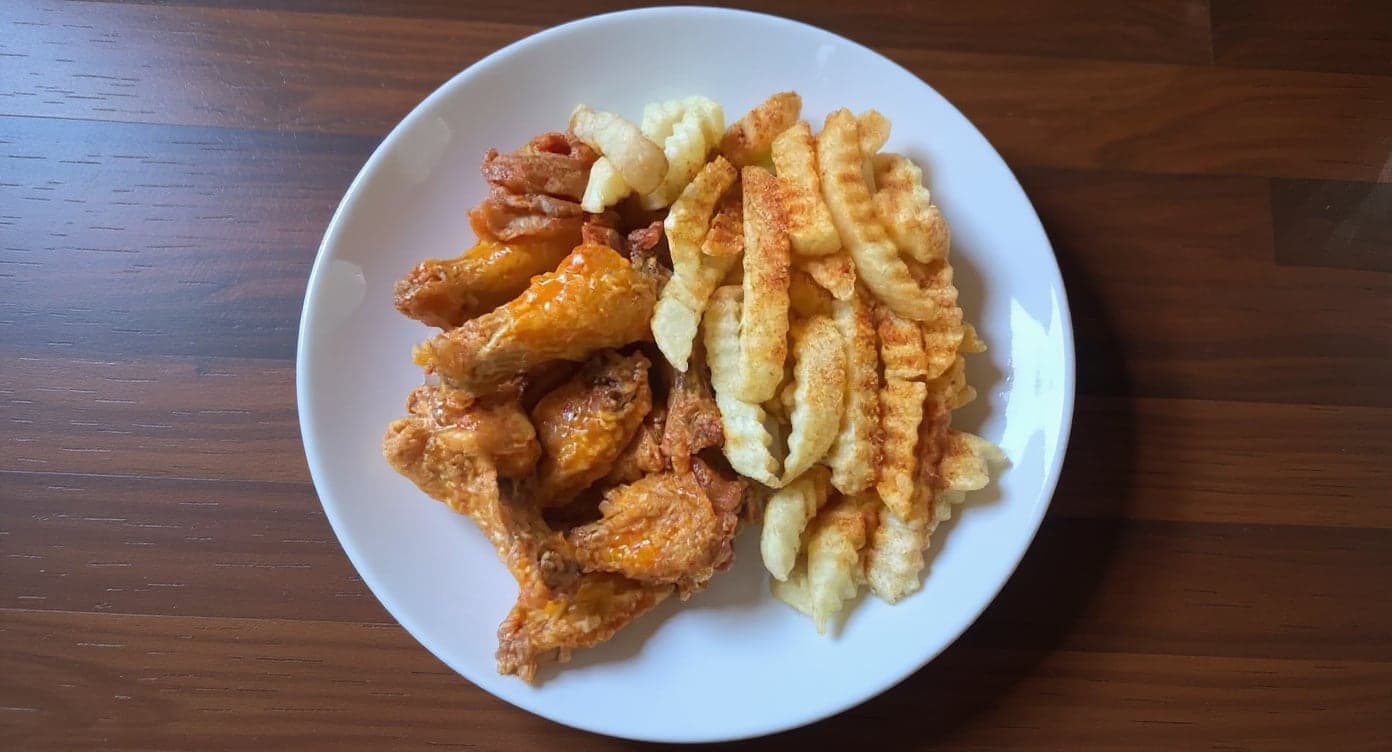
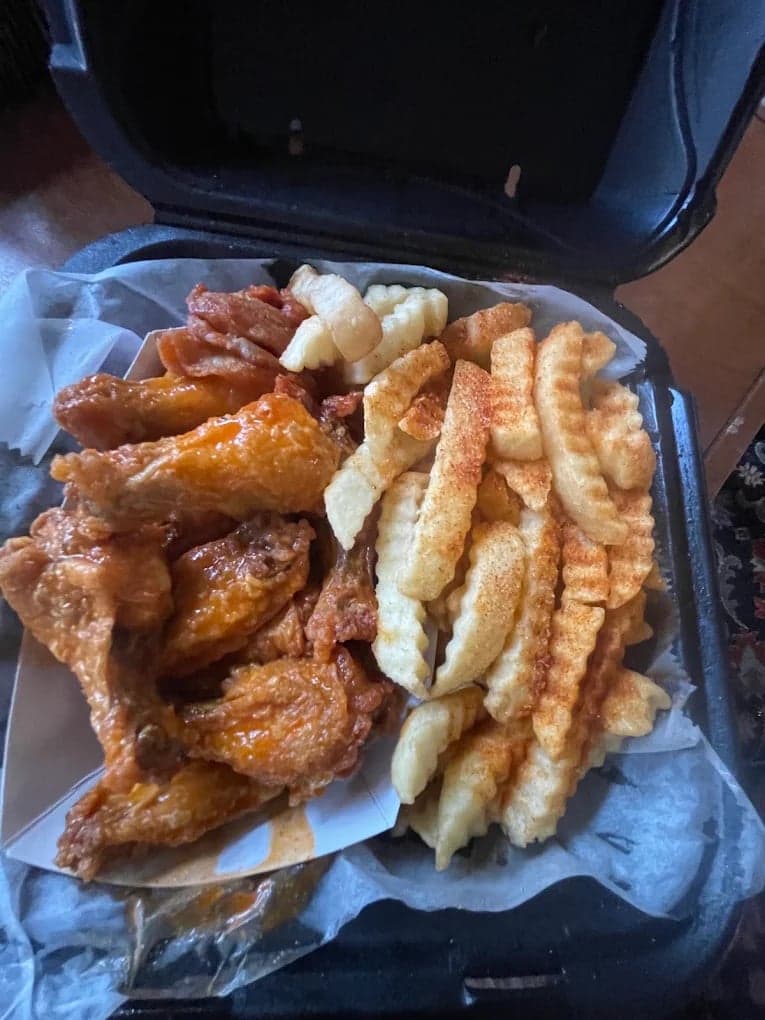
We hadn't updated our photos in three years. This finally got our DoorDash listing looking current.
5 photos free · No credit card · No watermark
Keep reading

Su Lee
Founder, MenuPhotoLab · Atlanta, Georgia
I have photographed Atlanta restaurants for six years as a food creator, and for the last two my sister and I have run SocialLee Agency, shooting and uploading menus for independent restaurants around metro Atlanta.
Sources (3, each with the date it was read)
Platform requirements change. This page carries the date each source was last checked. Self-serve prices are on the pricing page.
Not affiliated with DoorDash, Uber Eats, Grubhub.